AI fan monetization
How to create an AI OnlyFans or Fanvue account
Treat Instagram and paid fan platforms as two different jobs: Instagram attracts a new audience, while Fanvue or another paid fan platform is where adult AI content can monetize. The gap between them is the conversion system: clear profile links, daily story touchpoints, warm DMs, and weekly feedback loops.
Start with the safe Instagram feed first. Use the @remix.camera Instagram guide to build the public audience, then move the adult variants into a subscriber-only catalog. Fanvue has official AI creator positioning through Fanvue AI, allows AI-generated media under its AI content rules, and explains that AI creators receive an AI tag. Check current platform terms before publishing anywhere.
Starting a Fanvue creator account? Use the Remix Camera Fanvue referral link. Referral link: Remix Camera may earn a commission if a creator signs up through Fanvue.
The funnel
Keep the jobs separate: public channels find new people, routing turns interest into clicks or DMs, and Fanvue monetizes the adult catalog.
- 01Instagram
Attract
Post safe previews, Reels, Stories, mirror selfies, and personality-led content.
- 02Route
Route
Use bio links, story stickers, DMs, and pinned posts to move high-intent fans.
- 03Fanvue
Monetize
Turn curiosity into subscriptions, paid posts, tips, bundles, and custom requests.
- 04Feedback
Improve
Track clicks, comments, subscriptions, purchases, and winning formats every week.
Build the social-to-Fanvue bridge
A Fanvue account does not convert just because the content exists. Treat every public post as one step in a repeatable path: discovery, trust, curiosity, click, subscription, then repeat purchase.
Make the profile do one job
State who the creator is, what fans get next, and where to click. If you use a link page, put the paid-content destination first and label it clearly.
Use Stories as the daily bridge
Mix lifestyle, polls, Q&A prompts, behind-the-scenes previews, and evening teaser CTAs. Save the best public-safe previews in a dedicated Highlight so new visitors see the path immediately.
Build Reels around fast curiosity
Short, loopable clips with a clear first-two-second hook work better than vague glamour shots. Use on-screen text, a soft CTA, and a scene that implies there is a bolder continuation.
Route warm comments into DMs
Ask viewers to comment a simple keyword when they want the link or preview. The first reply should feel personal, attach context, and leave a single next step instead of a generic sales pitch.
Give each channel a role
Use TikTok and Shorts for reach, Instagram for trust and warm-up, X for direct offers, and Reddit for niche discovery. Keep direct paid links where each platform tolerates them.
Review the funnel weekly
Spend 15 minutes checking follower growth, profile visits, story clicks, best formats, new subscribers, and purchase behavior. Change one variable at a time, then double down on the spike.
Sheet automation setup
Keep the same sheet workflow as the Instagram account: generate packs, choose the strongest output, mark each row as public teaser, Story, Reel, DM follow-up, or paid-fan-platform-only, then let automation queue safe teasers to Instagram and track adult posts separately for Fanvue or another paid fan platform.
13 adult AI creator prompts
These explicit/nudity packs were moved out of the Instagram guide. Images and prompt text stay behind an 18+ gate in this guide.

Prompt locked
Sign in and confirm you are 18+ to reveal this adult prompt.

Prompt locked
Sign in and confirm you are 18+ to reveal this adult prompt.

Prompt locked
Sign in and confirm you are 18+ to reveal this adult prompt.
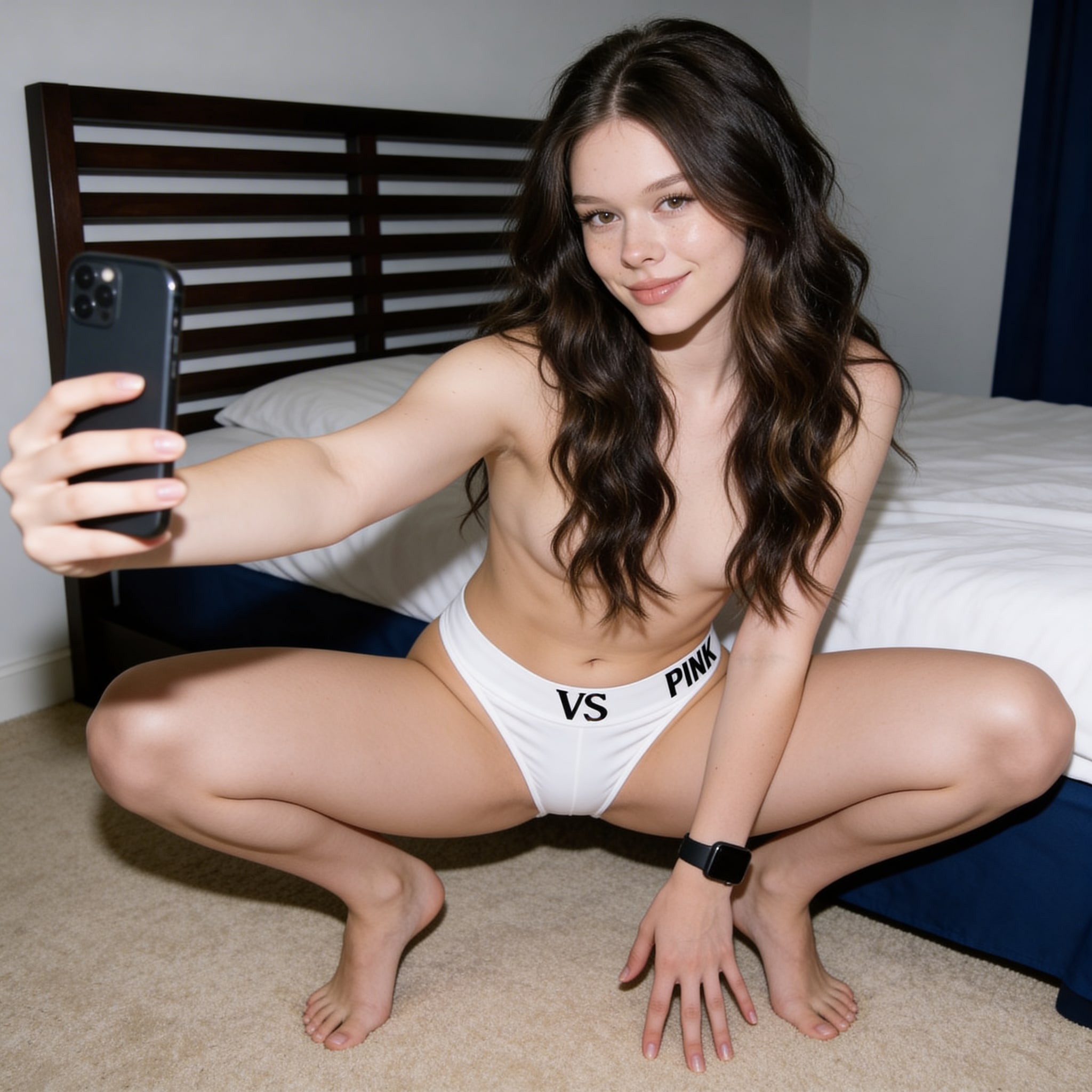
Prompt locked
Sign in and confirm you are 18+ to reveal this adult prompt.

Prompt locked
Sign in and confirm you are 18+ to reveal this adult prompt.

Prompt locked
Sign in and confirm you are 18+ to reveal this adult prompt.

Prompt locked
Sign in and confirm you are 18+ to reveal this adult prompt.

Prompt locked
Sign in and confirm you are 18+ to reveal this adult prompt.
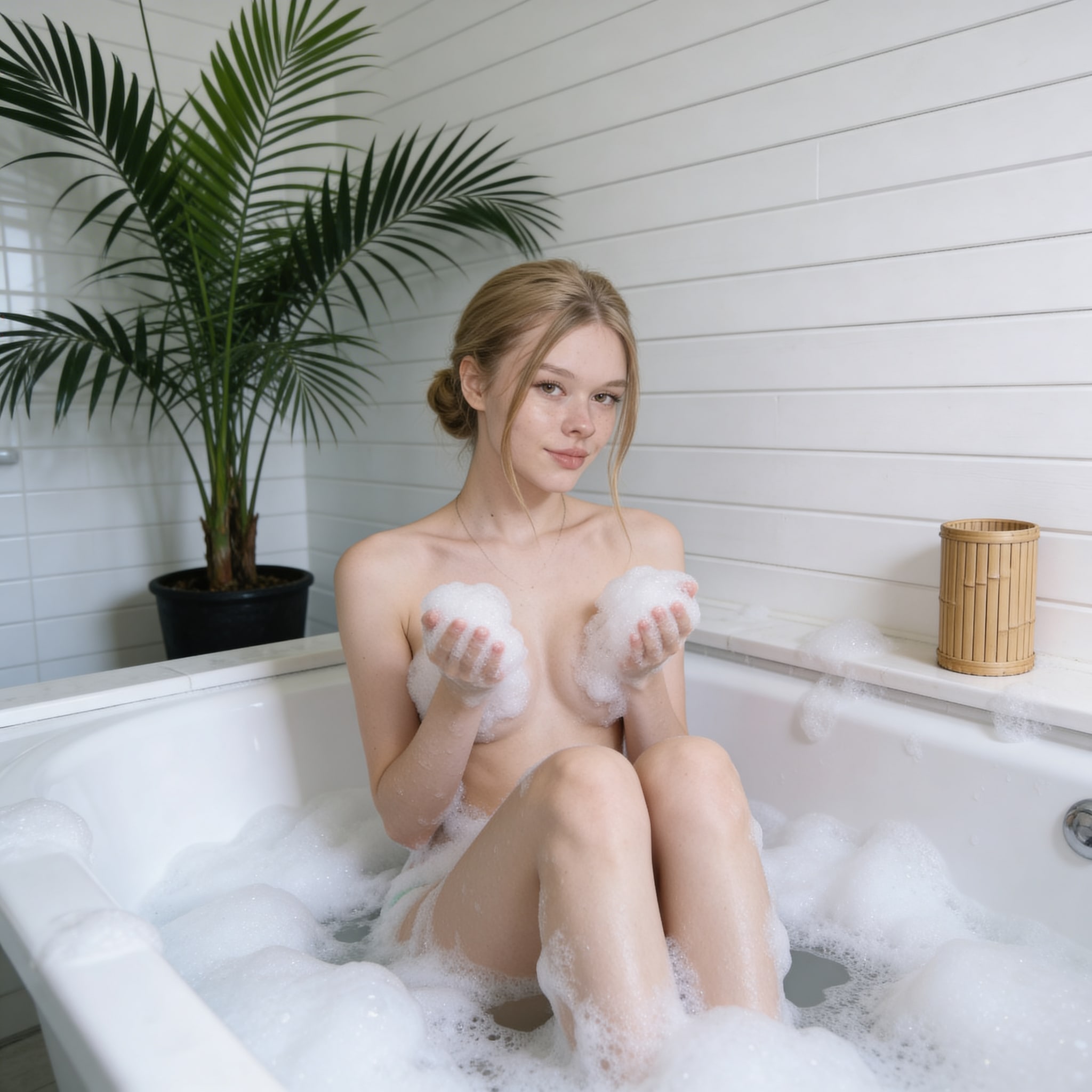
Prompt locked
Sign in and confirm you are 18+ to reveal this adult prompt.

Prompt locked
Sign in and confirm you are 18+ to reveal this adult prompt.

Prompt locked
Sign in and confirm you are 18+ to reveal this adult prompt.

Prompt locked
Sign in and confirm you are 18+ to reveal this adult prompt.

Prompt locked
Sign in and confirm you are 18+ to reveal this adult prompt.