WAN 2.7 Spicy prompt guide
Use the starting image for appearance and composition. Use the prompt for motion, timing, and camera direction.
Prompt formula
Main action + progression + one camera instruction + subtle ambient motion + optional continuity guard
Nine rules
- 1
Let the image define the look
Don’t re-describe the whole image. Use the prompt for motion. If identity drifts, add one short guard—see Rule 6.
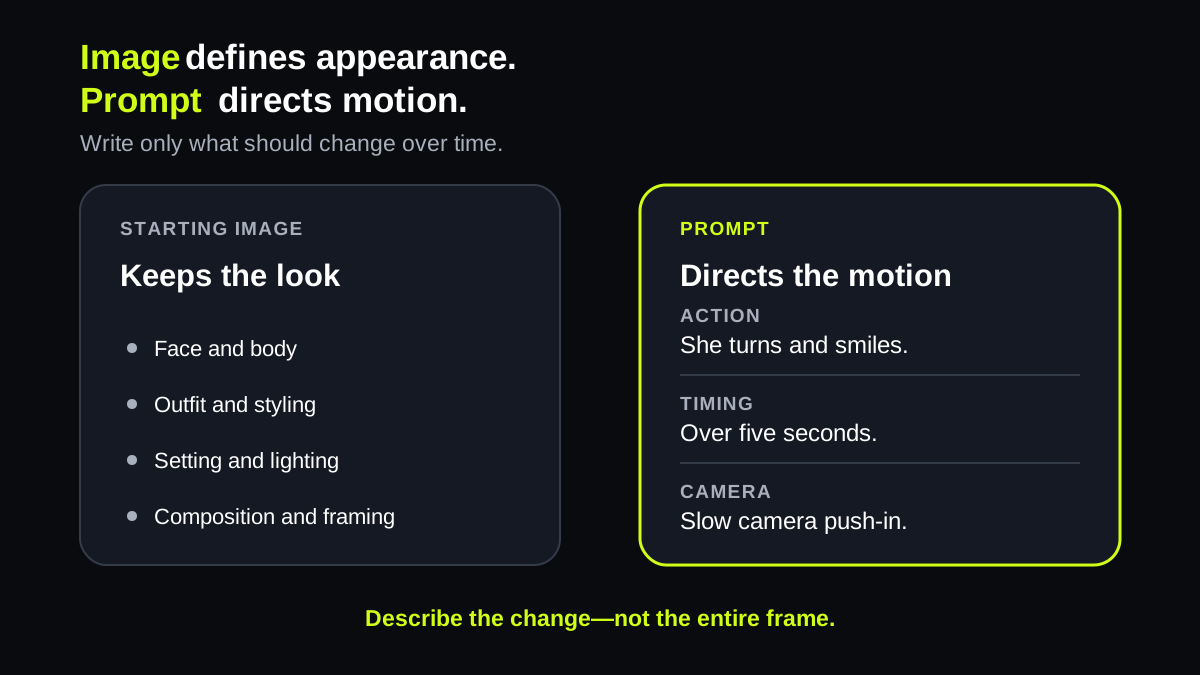
The image supplies the look. The prompt directs what changes over time.
Prompt: She turns toward the window and smiles. The camera slowly pushes in.
- 2
Use one dominant action
Choose one visible action and describe it with concrete verbs such as turns, walks, lifts, smiles, or reaches.
The clip has one dominant verb: blows. Every smaller movement supports that action.
Prompt: She keeps her fingertips at her lips, then gently extends that hand toward the camera and blows one small playful kiss.
- 3
Put actions in order
For multi-step motion, state the sequence from beginning to end. Keep every beat related to the same action.
Three related beats create a readable progression: laugh, glance away, return. Nothing unrelated competes with them.
Prompt: She breaks into a natural laugh, briefly glances away, then looks back to camera.
- 4
Choose one camera behavior
Use one clear instruction: locked camera, push-in, pullback, pan, tilt, tracking shot, or gentle orbit.
The subject action is paired with one camera behavior. Avoid adding a simultaneous orbit, zoom, and pan.
Prompt: She walks forward naturally. Use subtle handheld camera motion.
- 5
Add subtle secondary motion
Add only one or two supporting motions such as drifting hair, moving fabric, rain, smoke, reflections, or changing light.
The supporting motion is deliberately small. The wave remains the subject while the scene stays coherent.
Prompt: She gives a warm wave. Add a light breeze through loose hair while preserving the background and lighting.
- 6
Add one guard if needed
If a detail keeps drifting, name only that detail. Don’t restate the whole image.
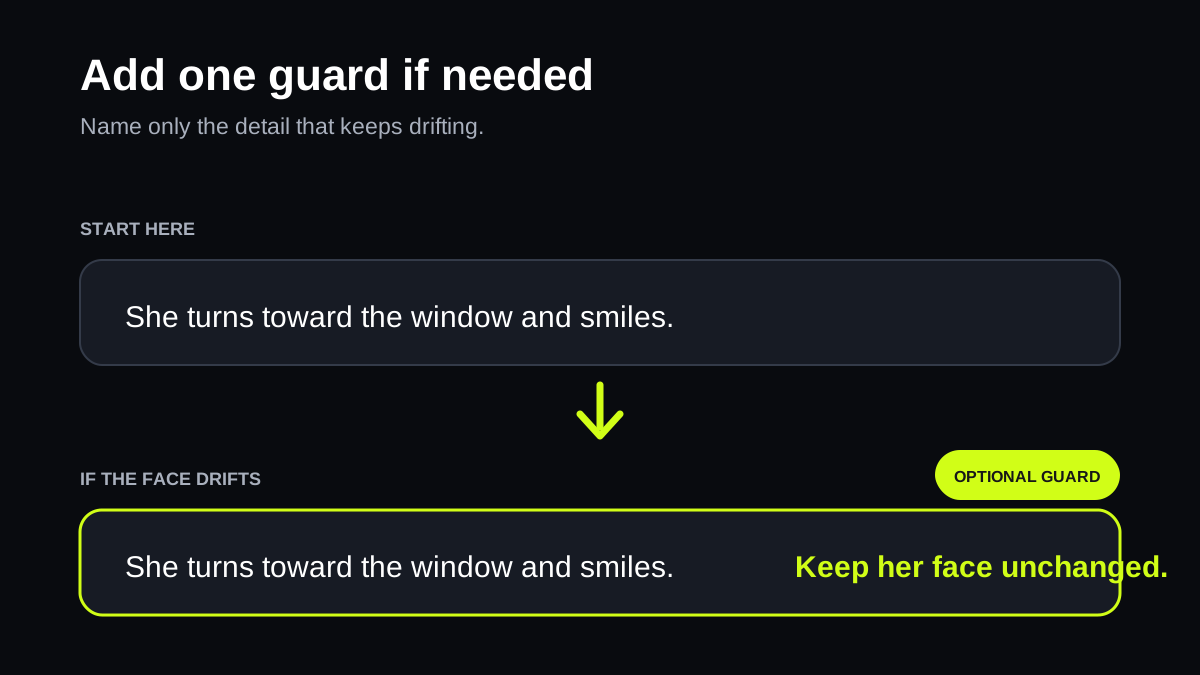
Start without a guard. Add one only when a specific detail—such as the face—keeps drifting.
Prompt: She turns toward the window and smiles. Keep her face unchanged.
- 7
Match the clip length
Use one beat for five seconds. Use ten or fifteen seconds for a gradual progression, not for several unrelated actions.
A restrained lean comfortably fills five seconds. A longer clip should extend the same action rather than add unrelated beats.
Prompt: Over five seconds, she leans slightly closer, keeps warm eye contact, and ends with a subtle smile.
- 8
Start with a clean image
Choose an unobstructed source with a clear subject, readable separation, and enough room for the intended movement.
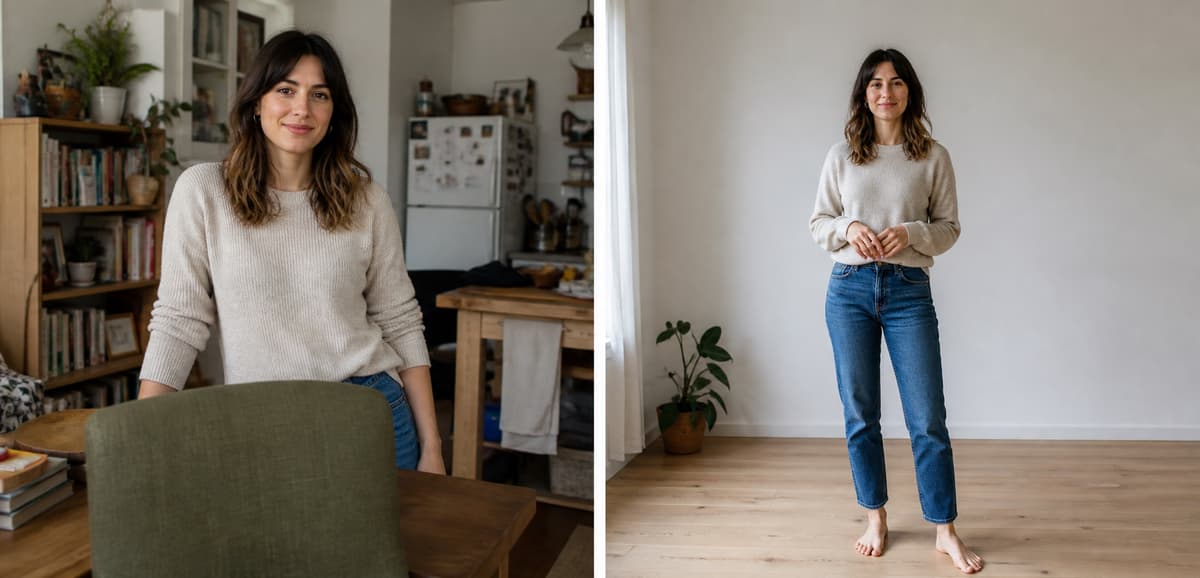
Bad, left: furniture blocks the pose and the background competes for attention. Good, right: the subject is fully visible with clean separation and room to move.
Prompt: Choose a frame with a clear subject, visible face and hands, a simple background, and open space in the movement direction.
- 9
Change one variable at a time
Keep the image and most of the prompt fixed. Adjust only the action, camera, ambient motion, or duration in each iteration.
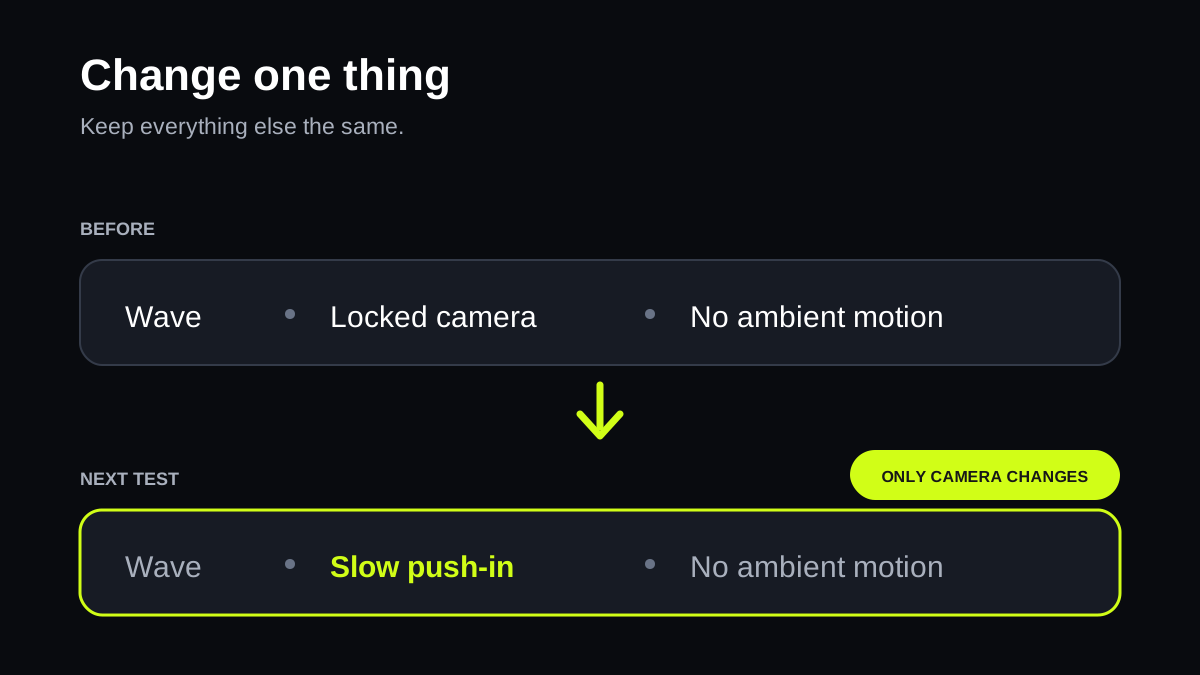
Single-variable tests reveal what improved or harmed the result. Full rewrites erase that signal.
Prompt: Version 1: locked camera. Version 2: change only to a slow push-in. Compare before changing anything else.

Copy these patterns
Replace the subject and motion with details from your starting image.
Portrait
She turns toward the camera and gives a small smile as her hair moves in a light breeze. The camera makes a slow push-in. Keep the background stable.
Small gesture
She looks down, brushes loose hair behind one ear, then raises her eyes to the camera. A light breeze moves a few strands. The camera stays locked.
Walking shot
She walks toward the camera at a steady pace, then glances over her shoulder with a small smile. Her hair and coat move naturally. The camera tracks backward and keeps her centered.
Know the limits
- A motion prompt cannot repair poor anatomy, an awkward pose, or missing details in the starting image.
- Rapid scene changes and long choreographed sequences are unreliable. Treat one generation as one continuous shot.
- Generated text is approximate. Put required readable words in the starting image before animation.
Animate your image
Open Camera, select WAN Spicy Video, then choose WAN 2.7. Start with one clear action and one camera move.