Training an AI Character from Scratch
Go from 0 → 1 → 20: create a character, choose one reference, build an expressive photo set, and train a LoRA. Here’s Maren’s workflow.
The old approach: generate with GPT Image 2.5 until you love the face, create 50–200 variations, then keep the best 20–30 for training.
Video is now our preferred approach. One short generation gives you varied expressions, poses, outfits, and scenes. Improving quality, speed, and affordability make it practical. The underlying model’s published speed and pricing offer a useful benchmark.
Five seconds at 25 fps gives you 125 frames, plenty to choose from, though many are similar. Maren’s clips had 124 frames each at 24 fps over 5.17 seconds. We kept one image per scene: ten per video, twenty total.
1. Choose your look
Choose your style: candid phone photo, polished fashion, cinematic portrait, or illustration. Start with a look you want to keep.
GPT Image 2.5 is a good starting option. Describe the face, hair, expression, and style, then judge the result against your intended look. See our GPT Image 2 vs 2.5 examples and OpenAI’s model announcement.
Example first-photo prompt
Photorealistic chest-up portrait of an original adult woman, age 28, with shoulder-length dark wavy hair, brown eyes, a softly angular face, and a few natural freckles. Relaxed closed-mouth smile, looking directly into the camera. Plain cream T-shirt, soft window light, neutral gray background, eye-level camera, natural skin texture, sharp eyes. No beauty filter, sunglasses, text, or watermark.
Adapt this suggested prompt to your character. Maren’s photos use the video prompts below.
2. Create 20 photos from video
Ask for 5–10 scenes of the same character, different outfits, poses, expressions, and locations. Save one sharp frame per scene.
Maren began with text-to-video: a description and ten scenes inspired by Remix.Camera templates. No input photo. Remix.Camera’s H3 Spicy produced ten shots in 5.17 seconds at 768 × 1344.
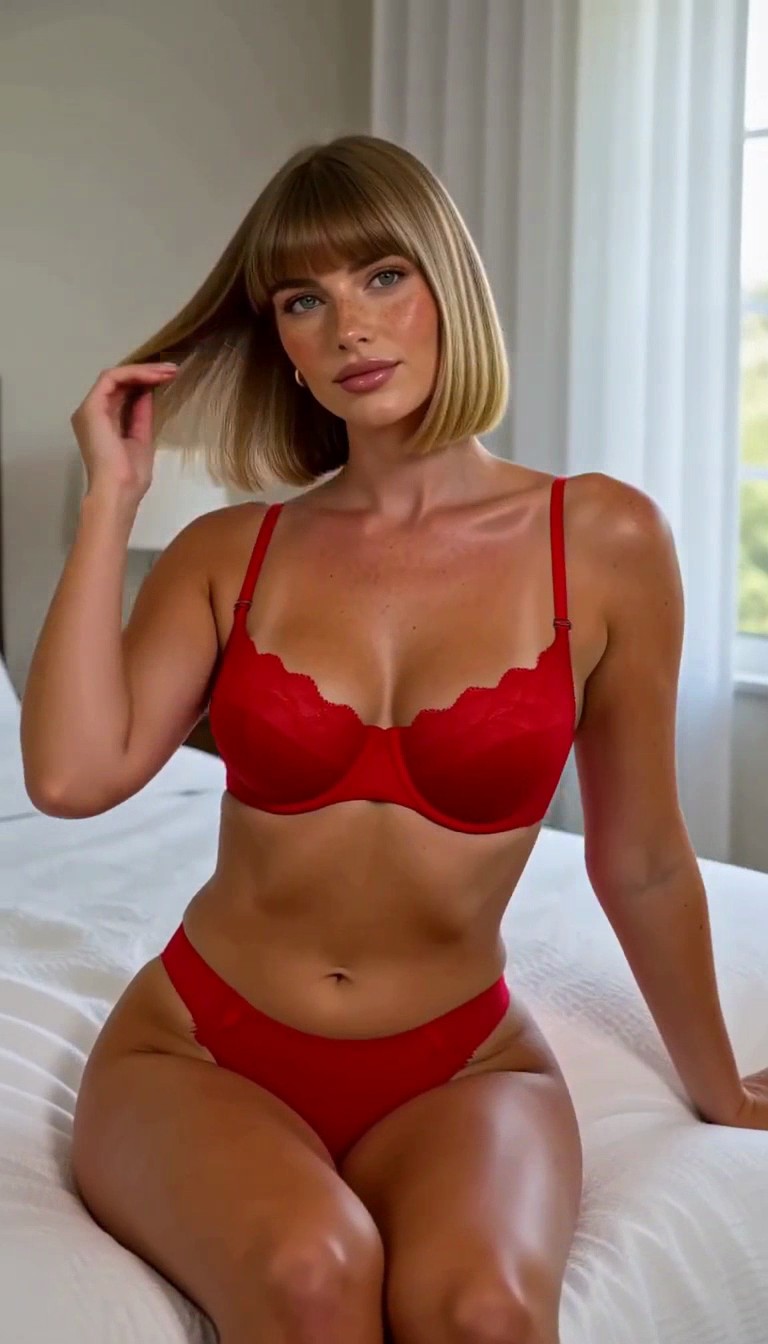
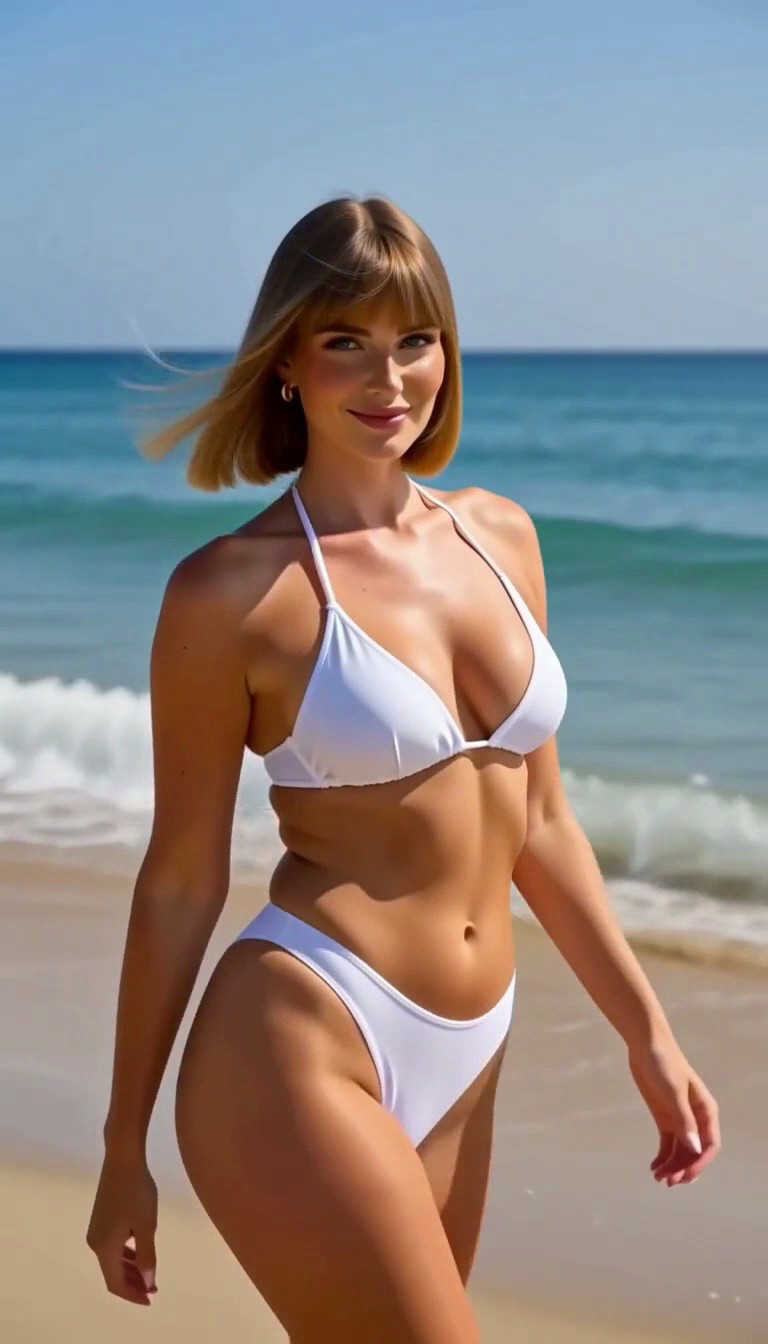
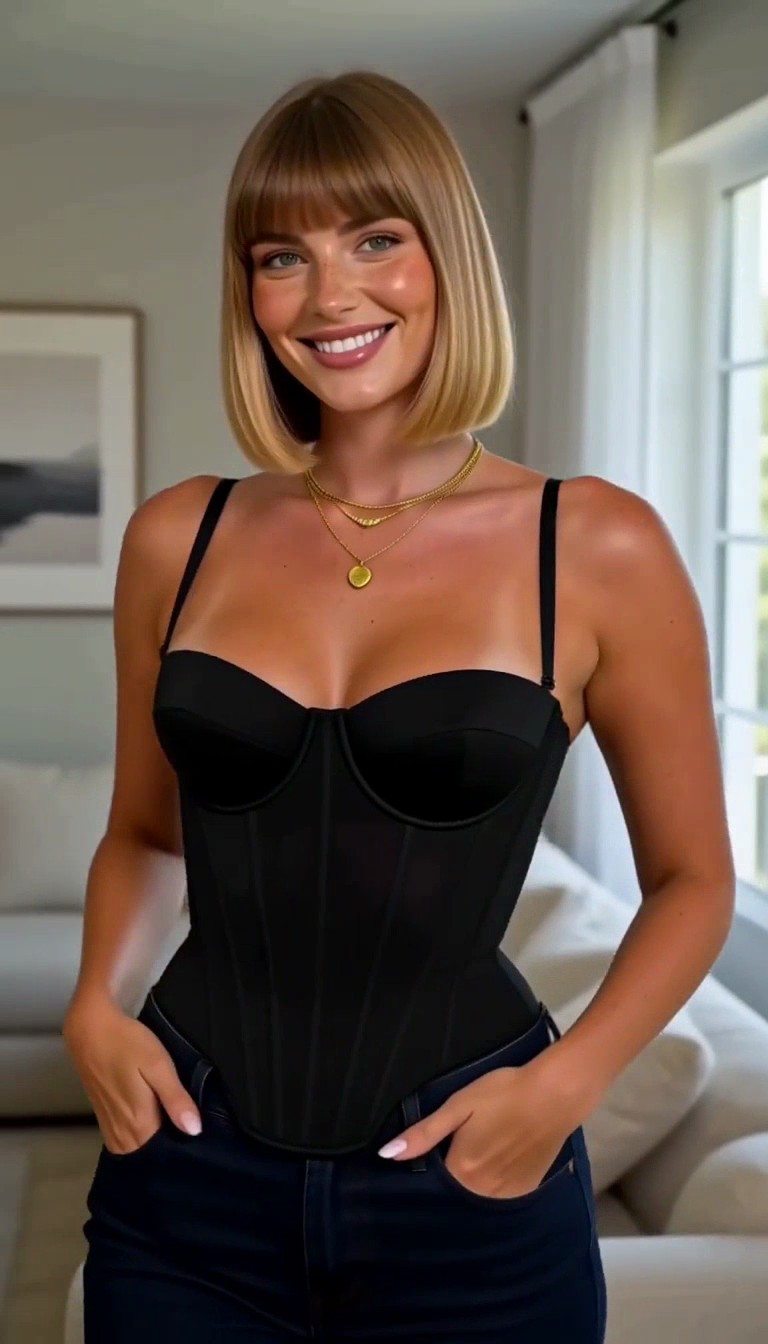
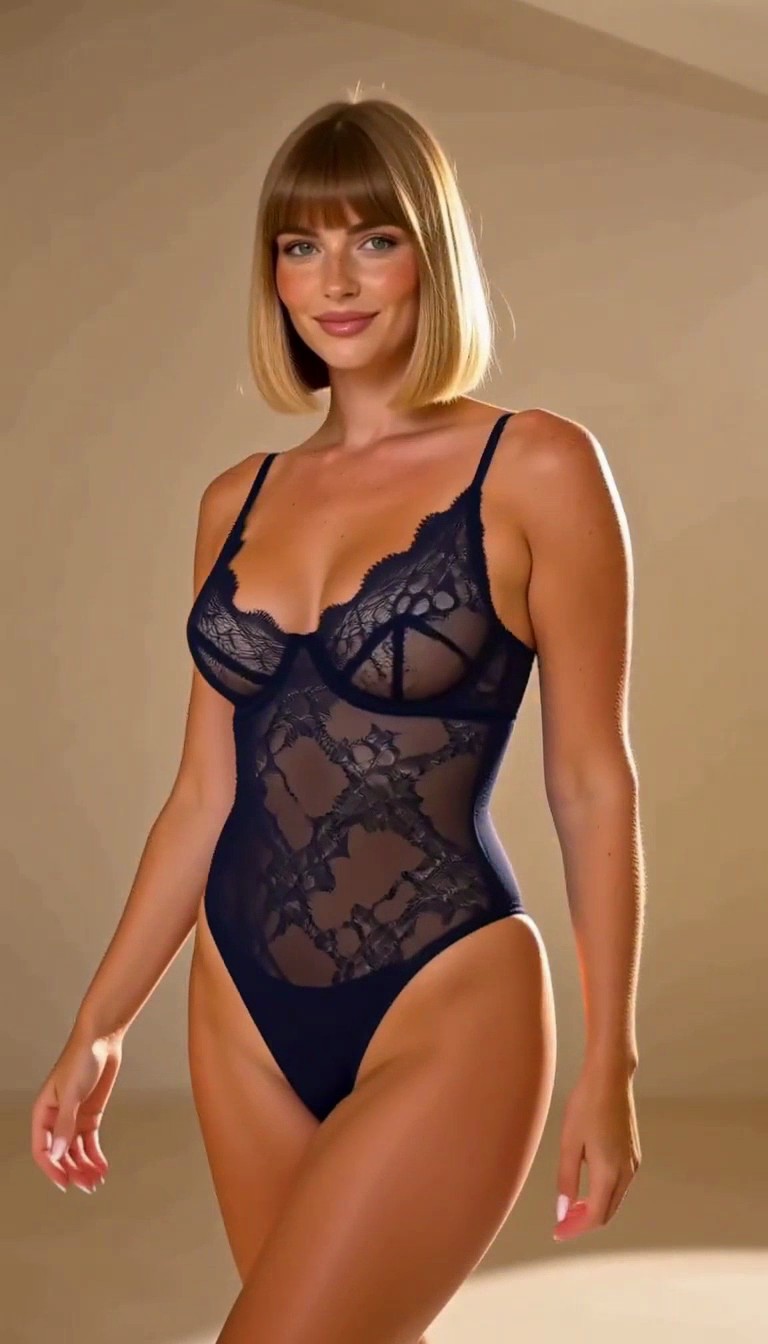
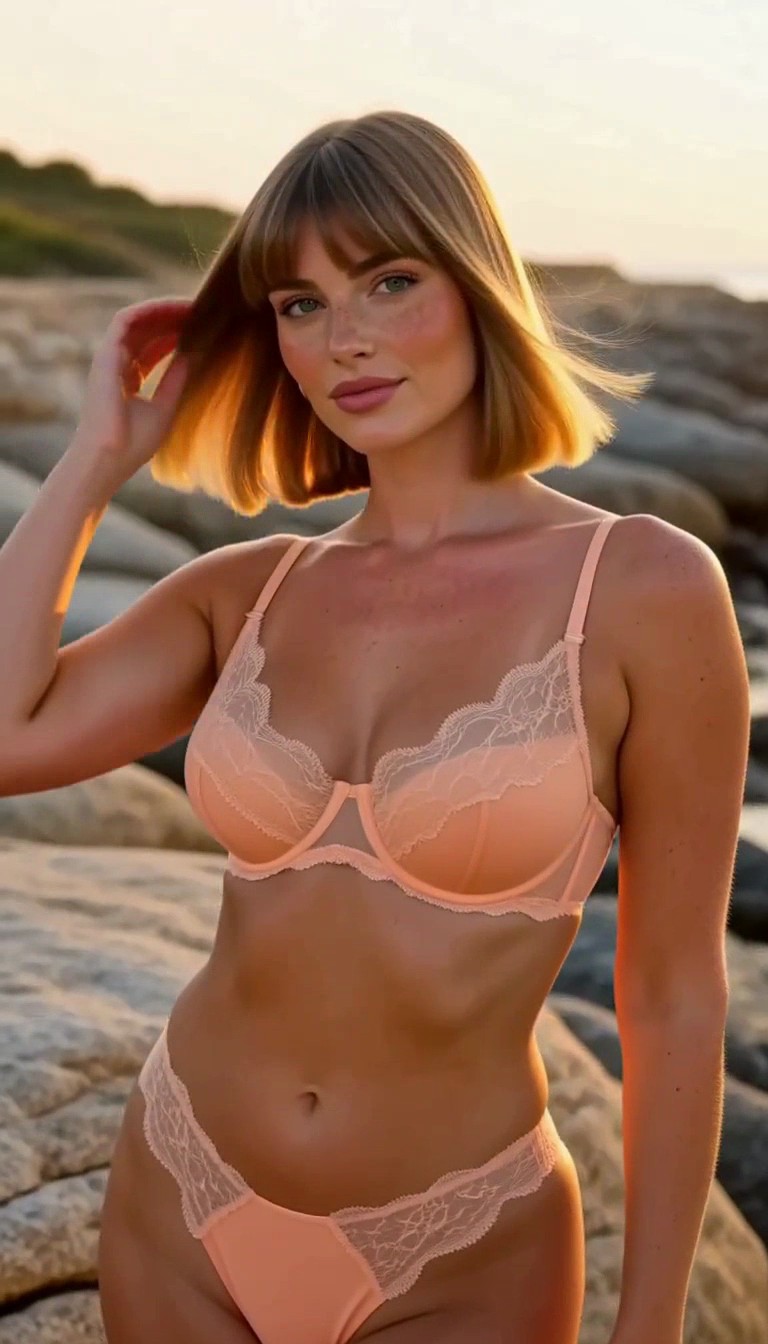
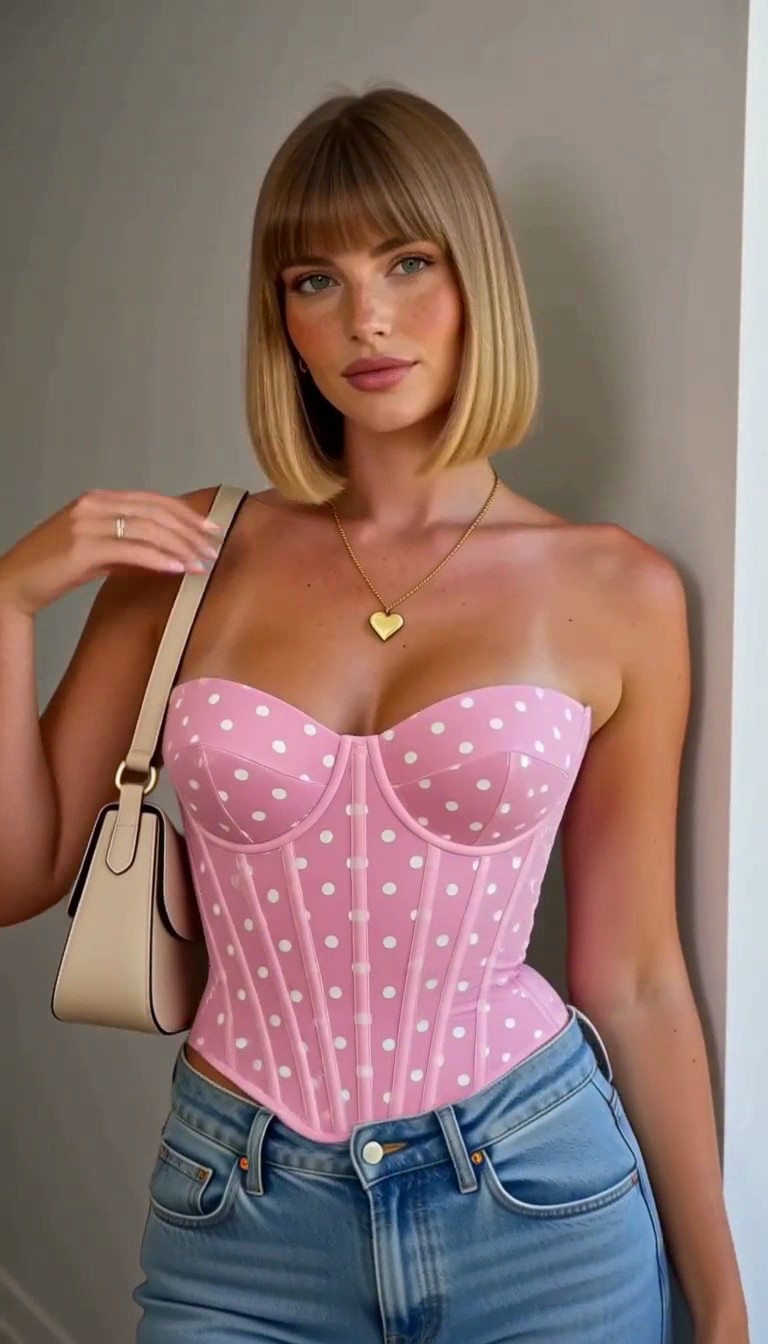
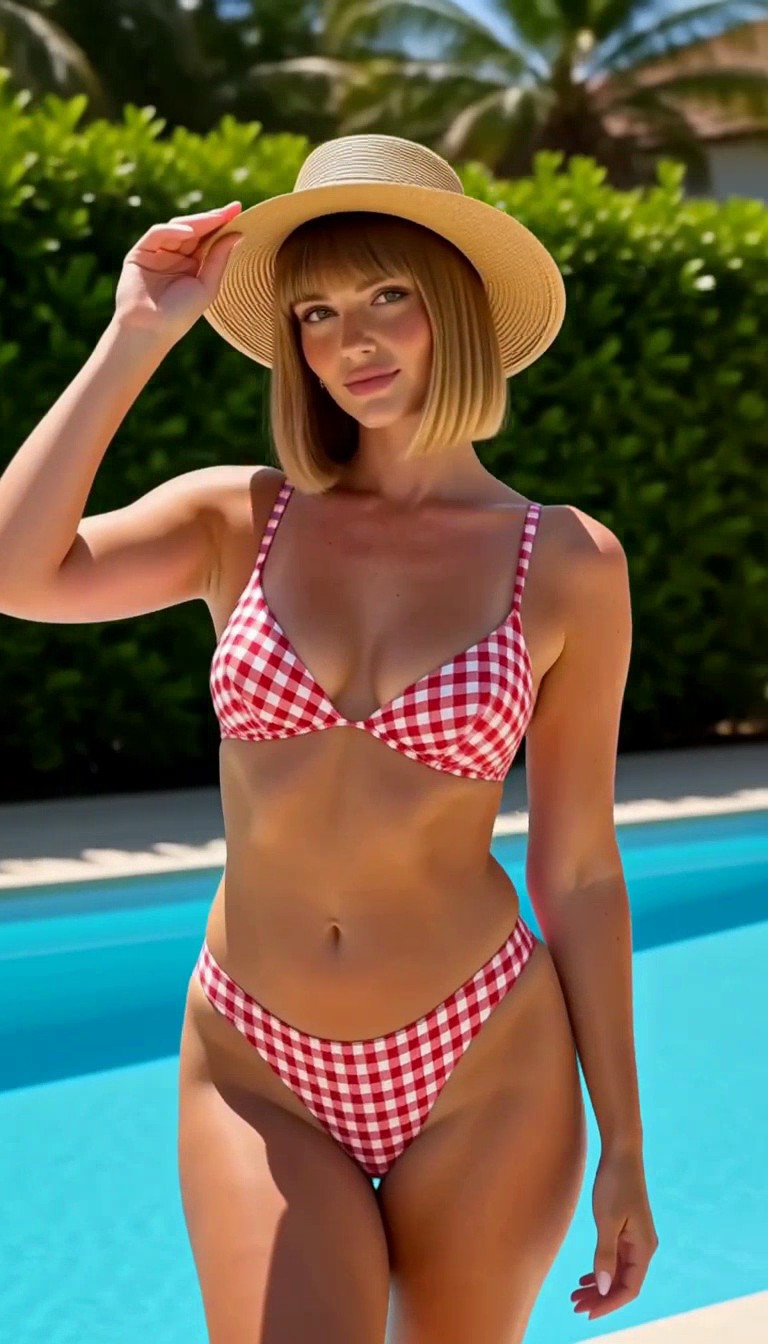
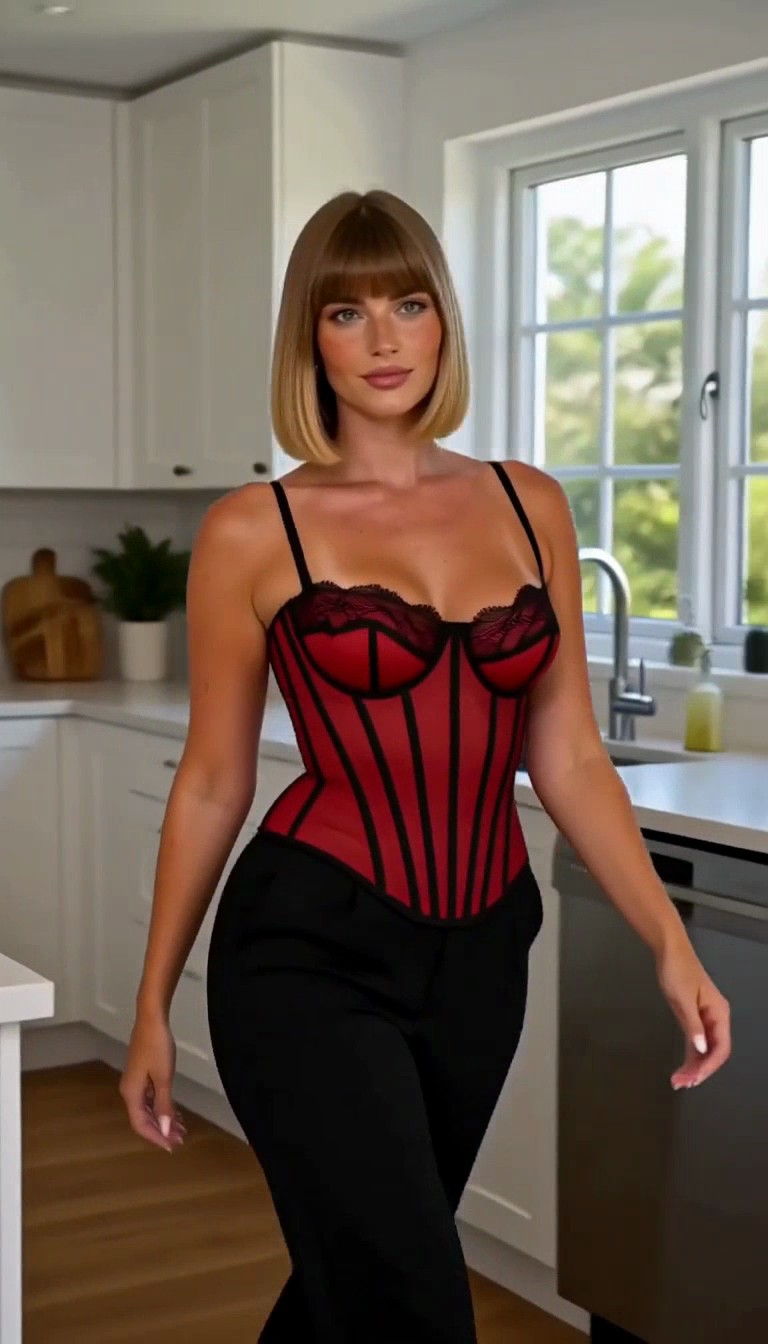
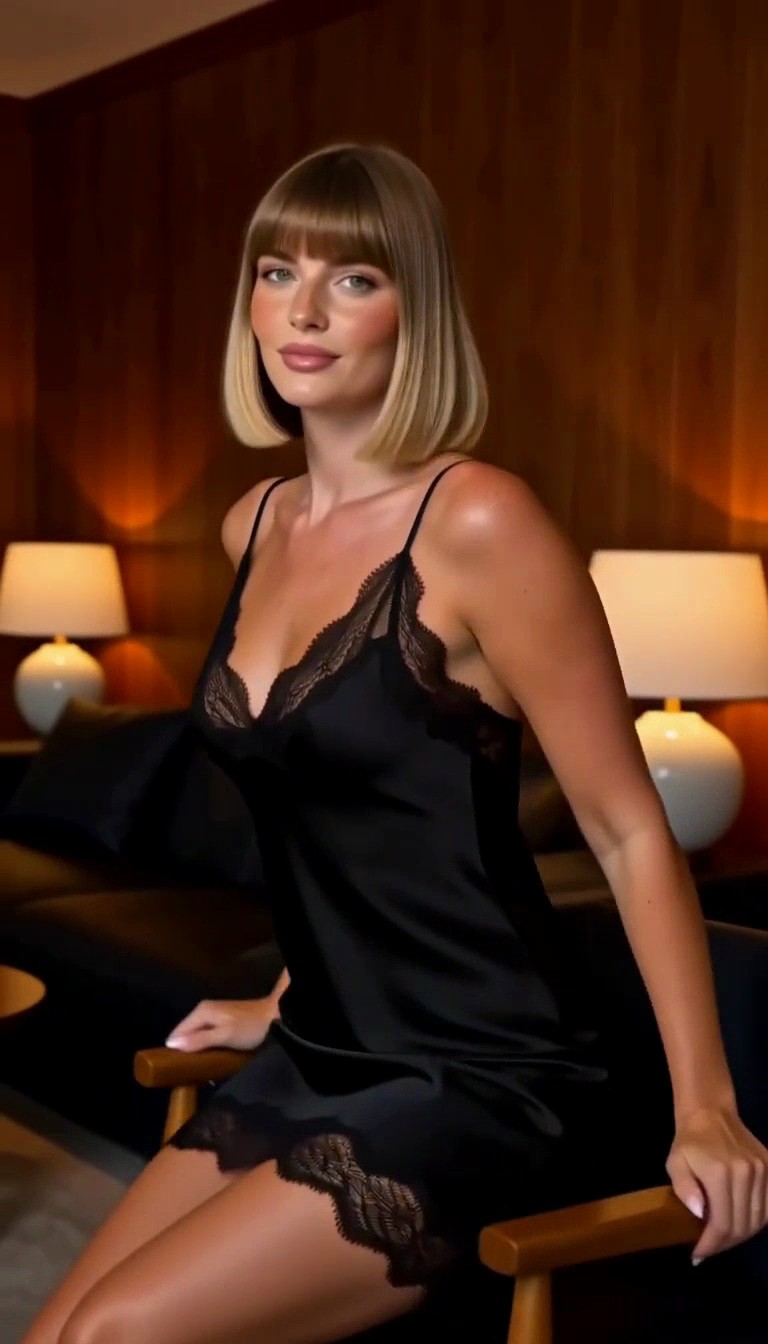
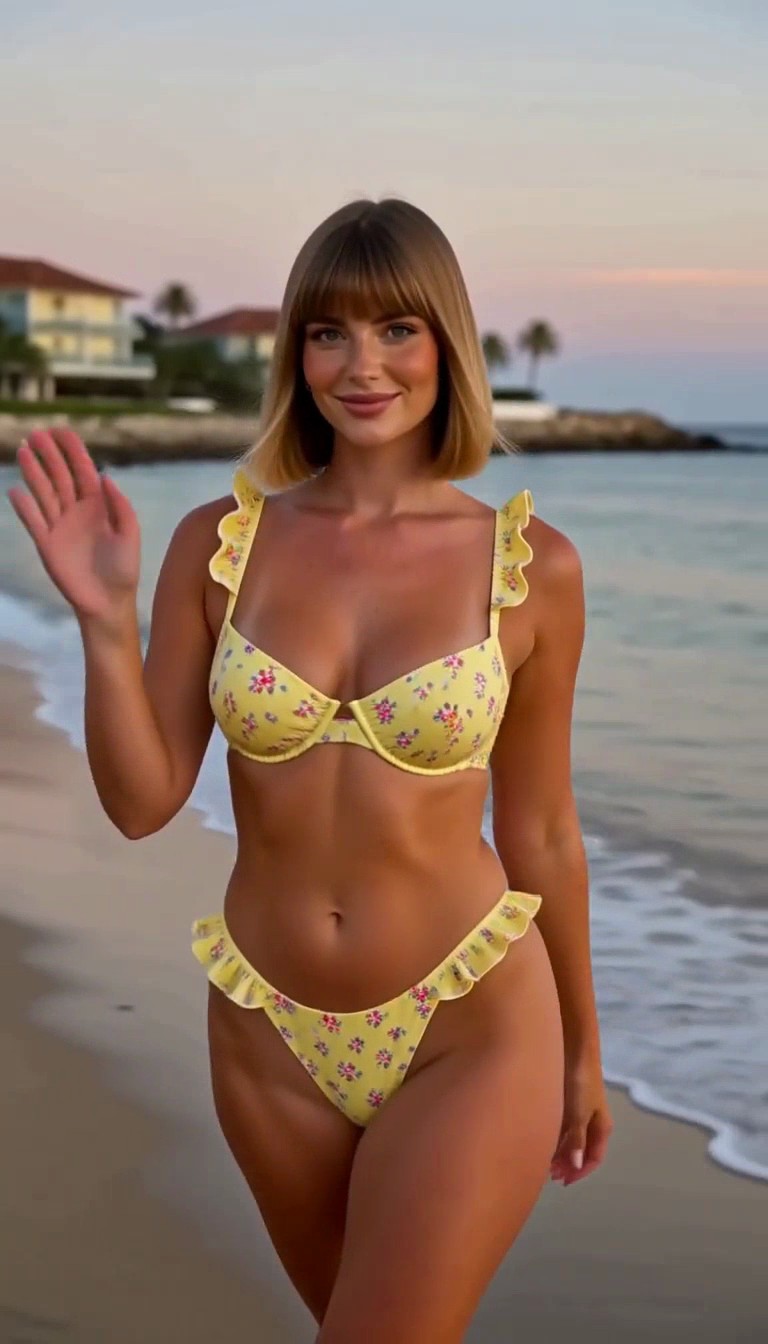
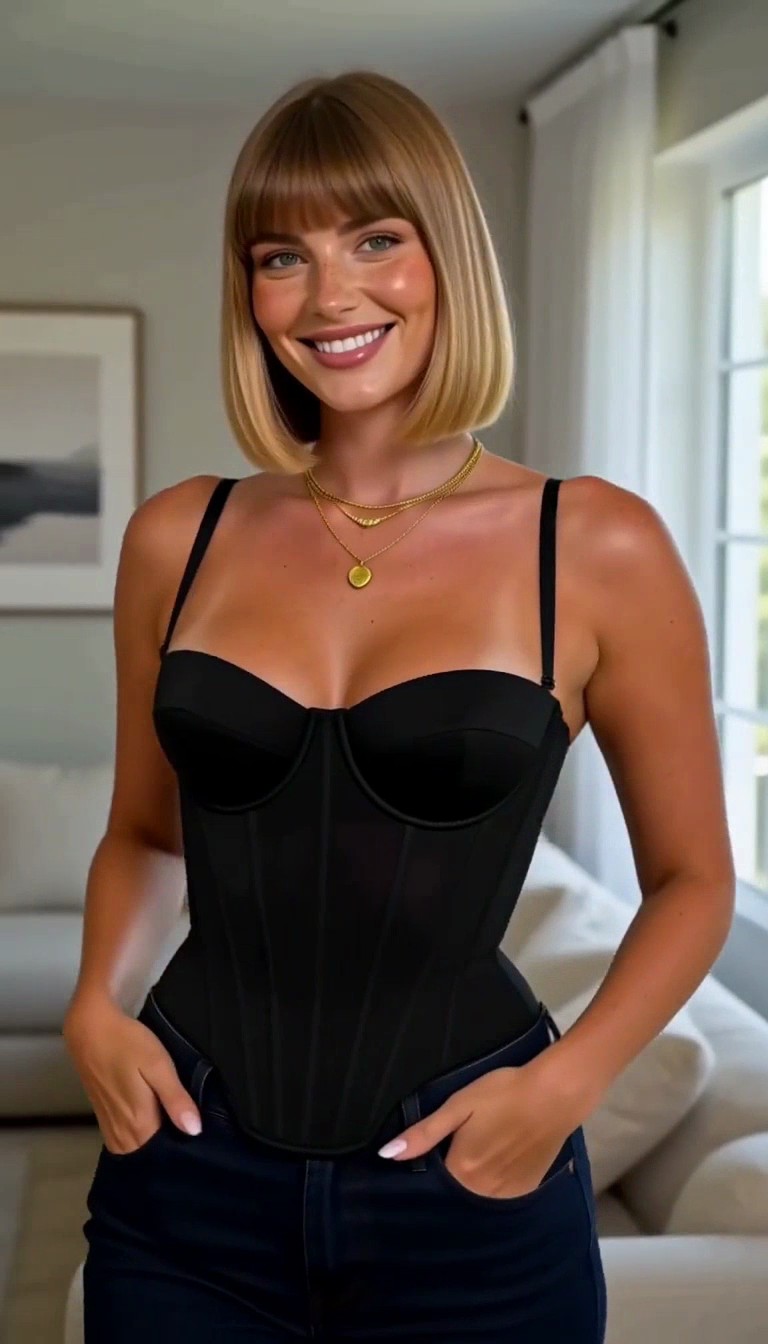
We chose photo 3, the black-corset portrait as her reference. Remix.Camera’s H3 Spicy reference-to-video used it to create ten more scenes, keeping her identity while changing the opening pose and outfit.
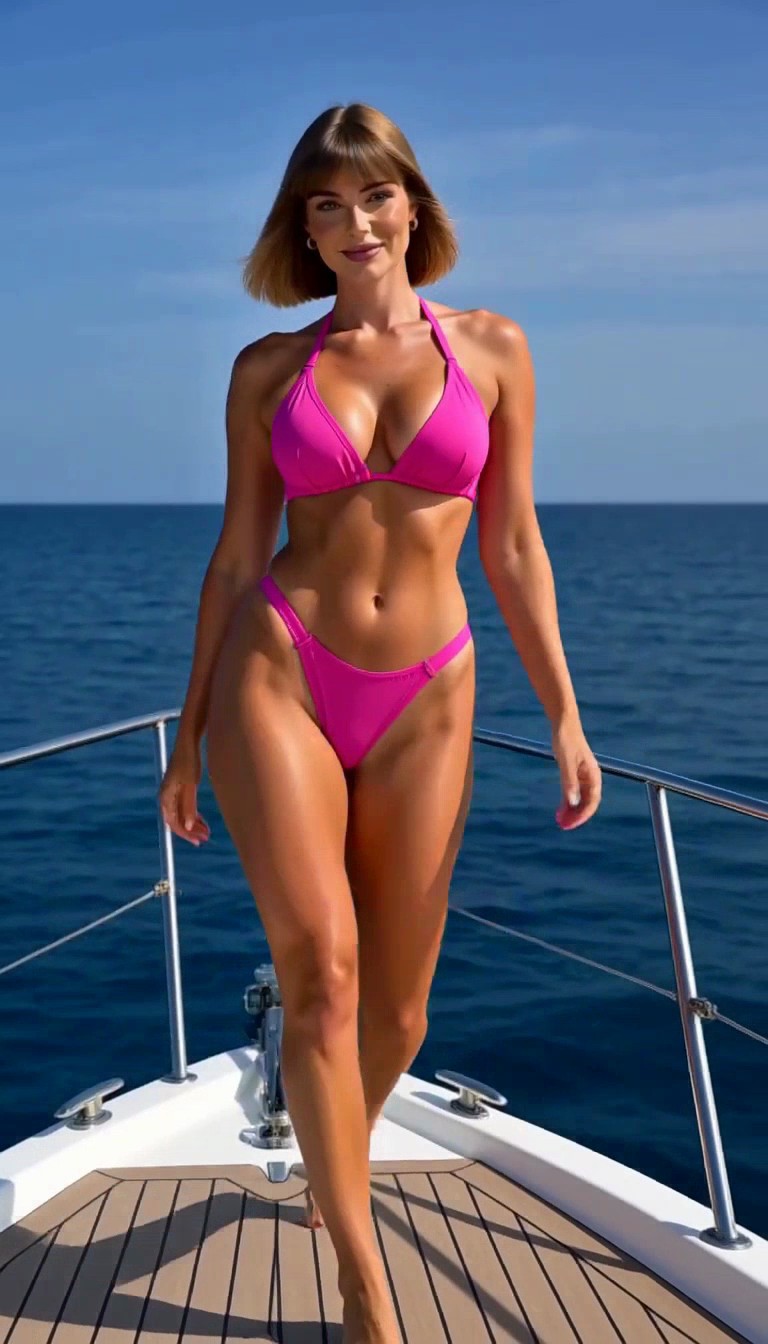
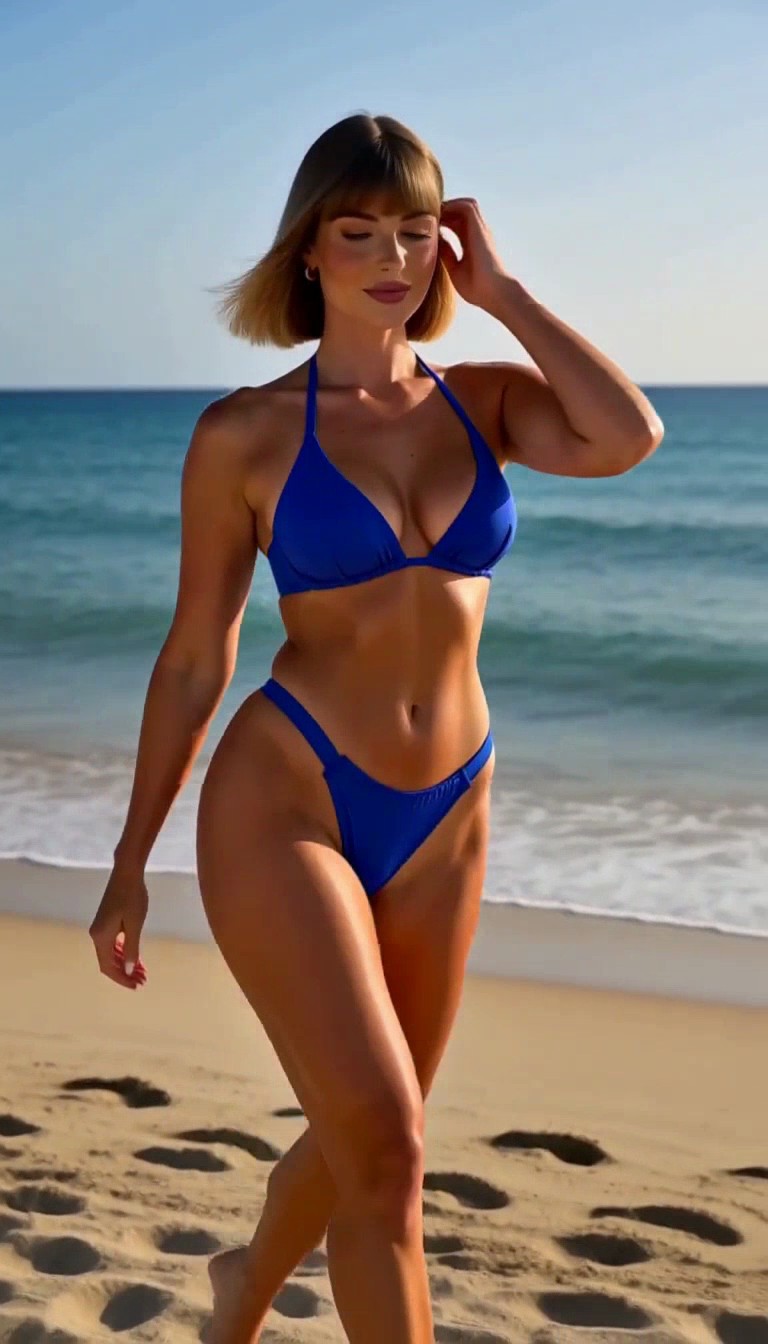
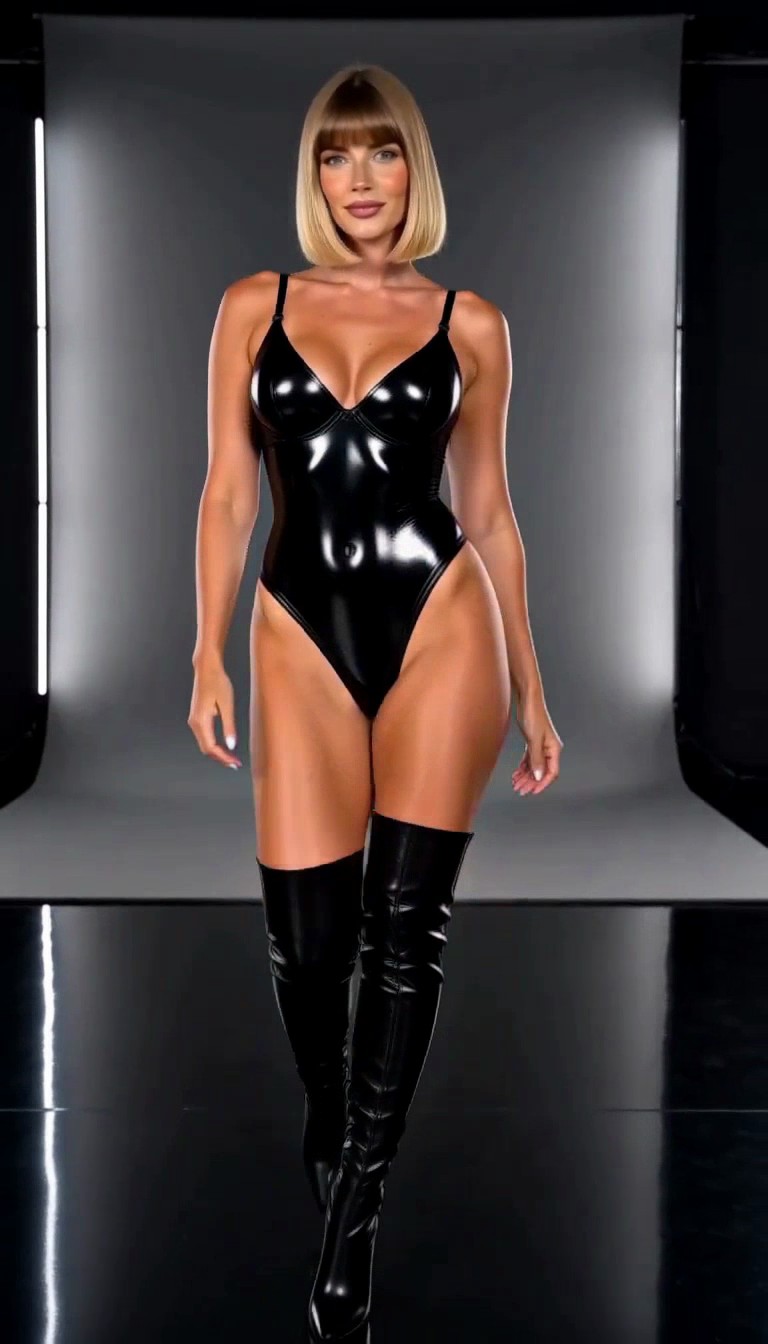
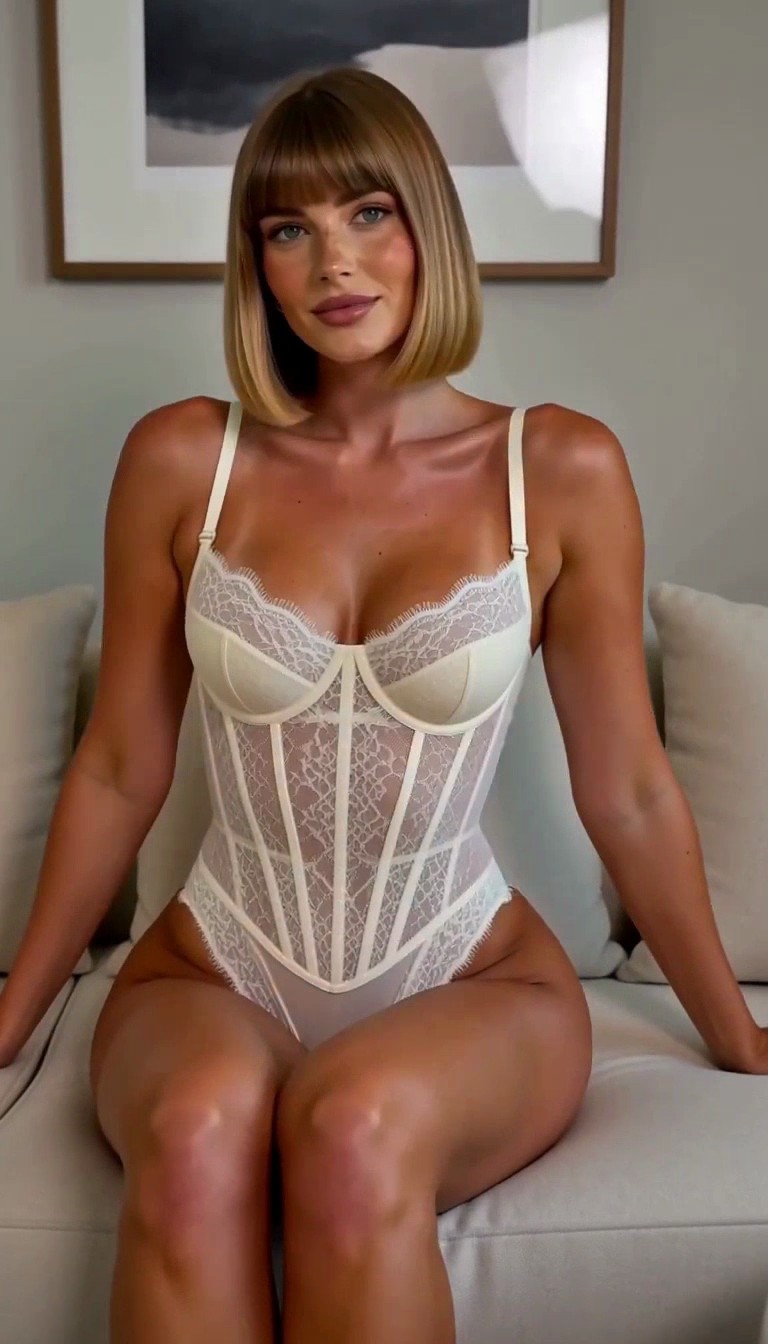
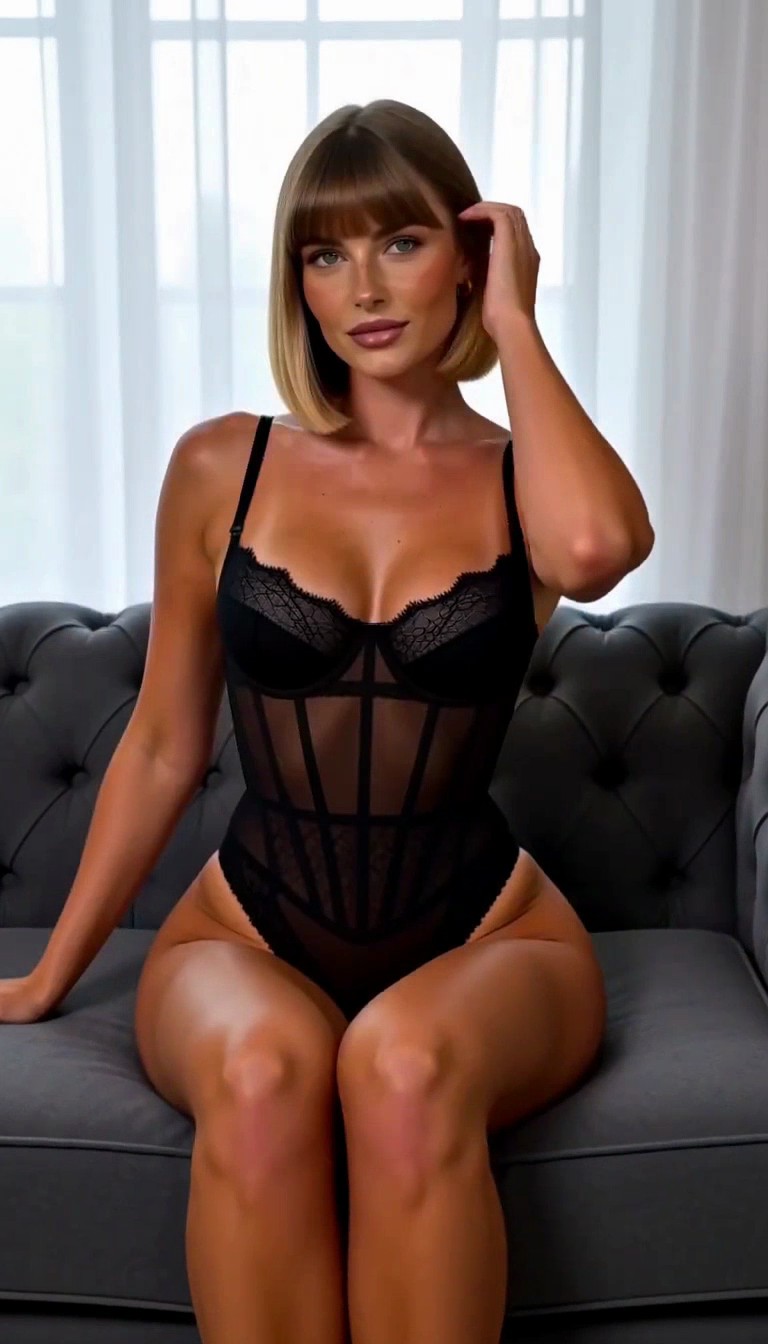
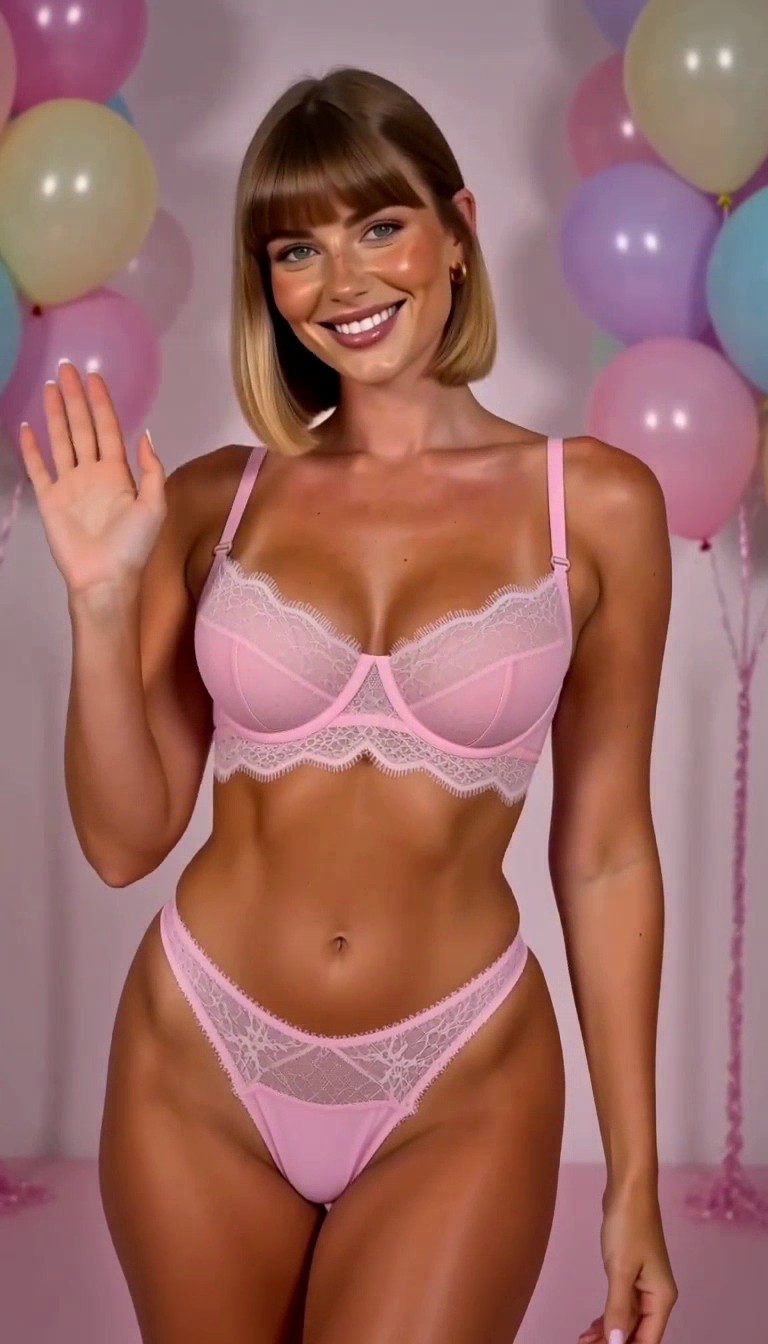
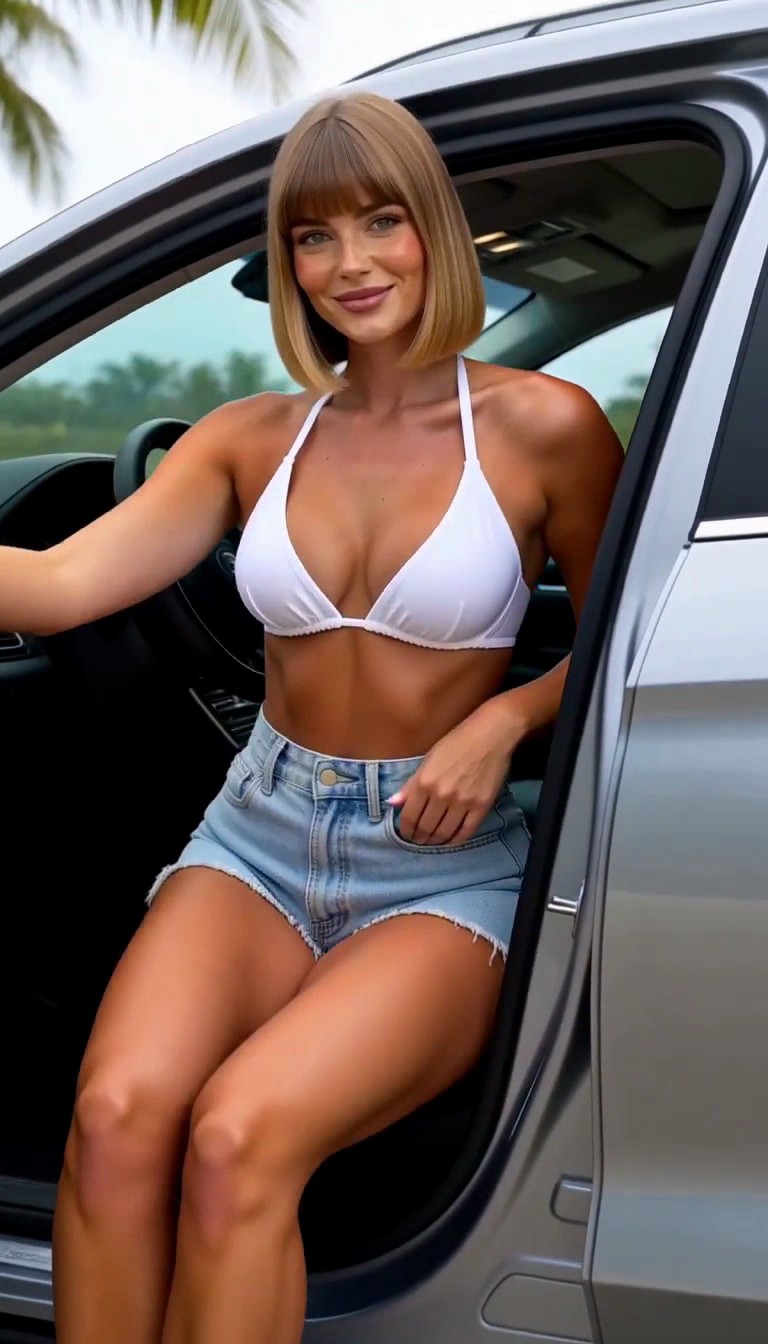
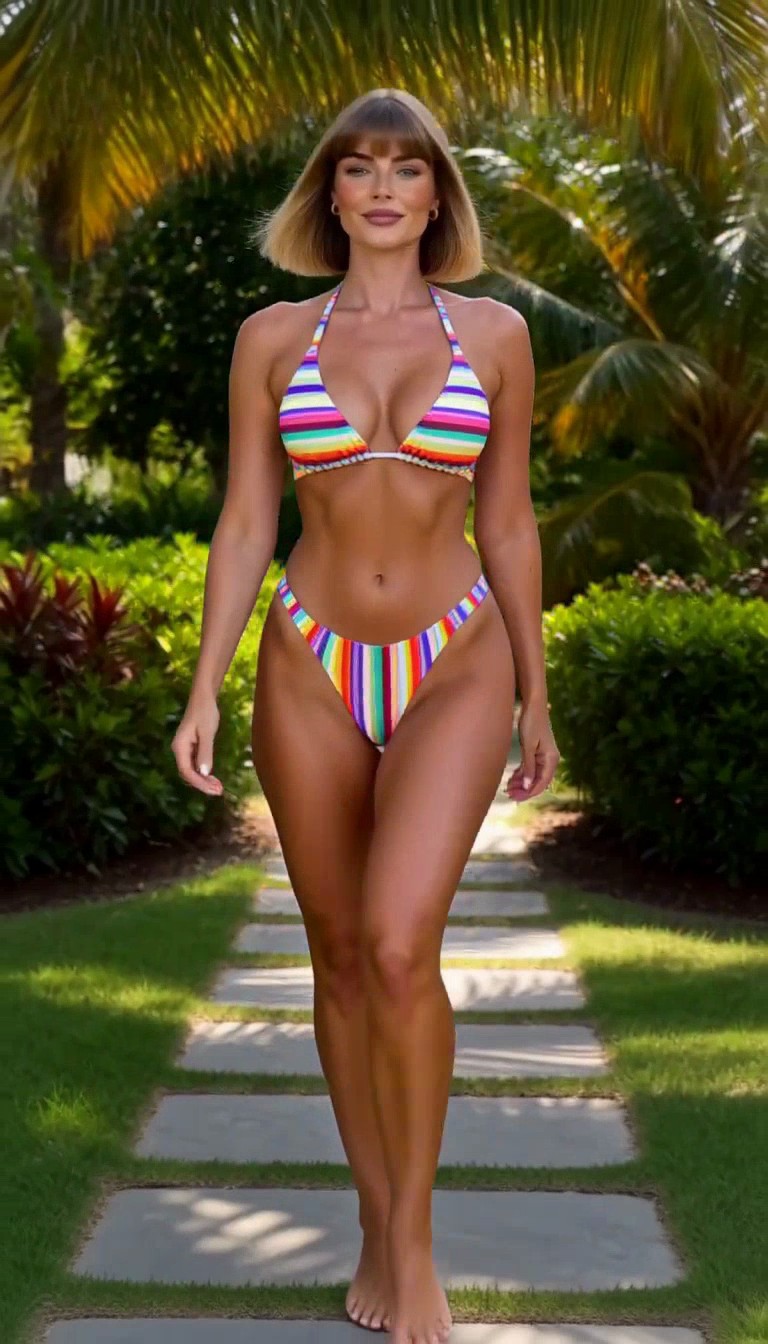
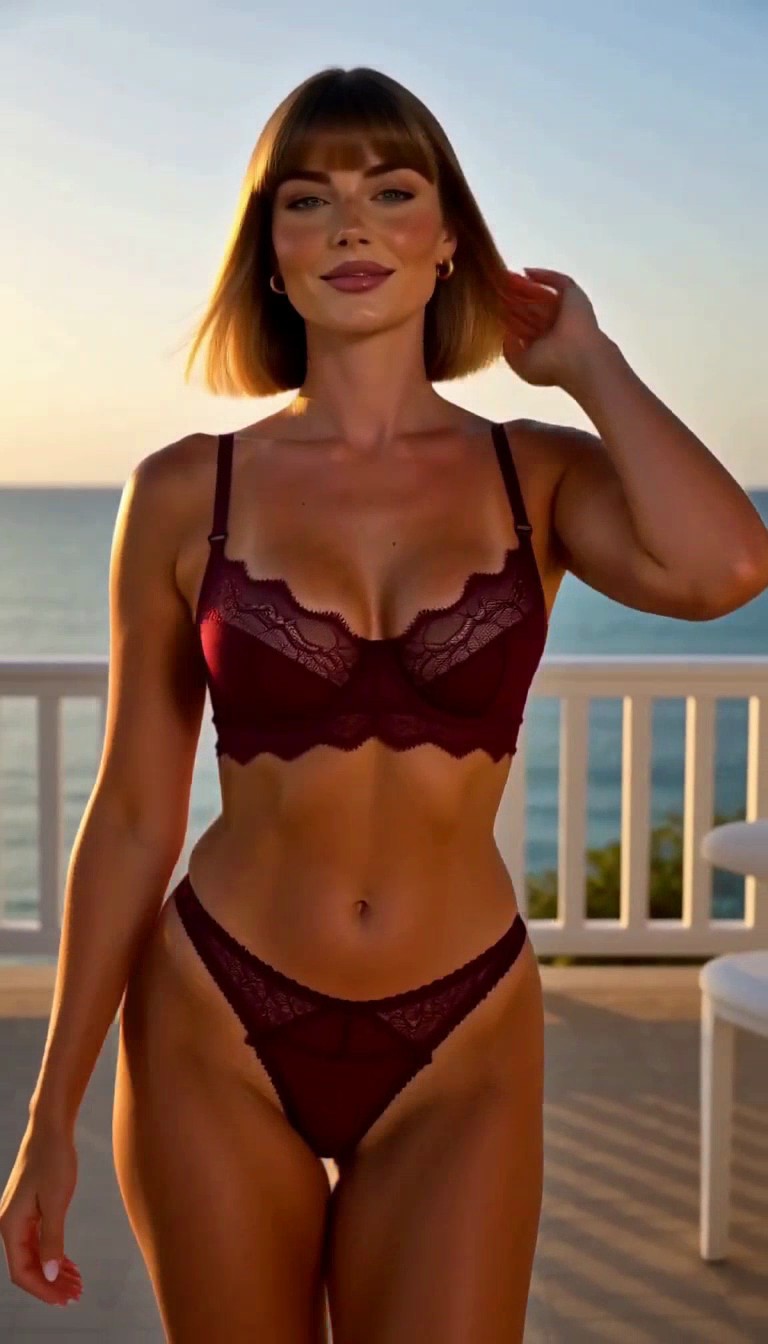
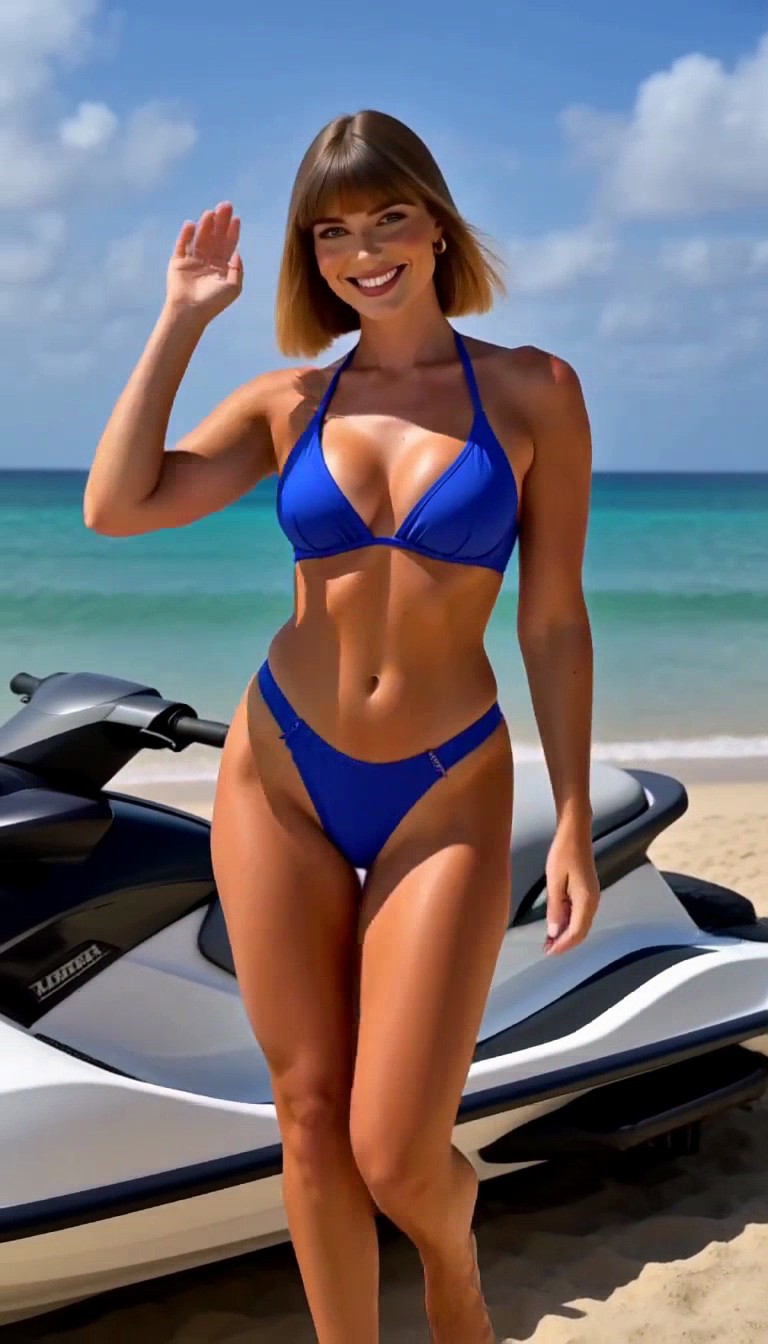
Two videos, 20 photos. Some face and body variation remains. Compare each photo with the reference and remove blur, distorted anatomy, transition frames, and duplicates.
Prompt for video 1: create from a description
Scenes come from the templates below. Replace Maren’s name and appearance with your own.
- Seductive Red Lingerie Portrait
- White Bikini Straw Hat On Beach
- Necklace In Corset Portrait
- Dark Navy Lace Bodysuit Studio Portrait
- Realistic Peach Lace Coastal Rocks
- Necklace And Rings In Corset Portrait
- Red Gingham Bikini Straw Hat Pool Scene
- Red And Black Lace Trimmed Corset Top In Kitchen
- Black Slip Dress With Lace
- Yellow Floral Bikini On Beach
integrated_multimodal_description: [Shot 1] Live-action, photorealistic vertical fashion reel of exactly ten moving clips across five seconds, each approximately half a second, with nine sharp hard cuts. Maren is the same original fictional adult woman, age 28, in every shot: honey-blonde shoulder-length blunt bob with straight bangs, hazel eyes, light freckles, rounded face with softly squared jaw and warm light skin. Curvy athletic build with full bust and hips, slim waist and moderate muscle definition. Her face, hairstyle, skin tone and realistic body proportions remain identical across every wardrobe change. Each shot contains actual continuous subject motion, with moving limbs, hair and clothing, not still photographs or freeze frames. All lingerie and swimwear have opaque coverage; clothing stays securely in place. Keep her face sharply visible in every shot. Only one adult woman, everyday fashion poses, no sexual activity, no nudity, no text or logos. Medium eye-level composition frames Maren wearing an opaque red lingerie set, seated upright with knees together on a neatly made bed, she smoothly brushes a strand of hair behind her ear; medium eye-level camera moves slightly right, soft window light. [Shot 2] At 00:00.500, the camera cuts to the same Maren wearing a white bikini on a sunny beach, she takes a walking step along the waterline and turns her head toward camera; medium-full tracking view, waves move behind her. [Shot 3] At 00:01.000, the camera cuts to the same Maren wearing a black structured corset top, dark trousers and two gold necklaces in a living room, she turns her shoulders toward camera and smiles; medium eye-level view, window light from right. [Shot 4] At 00:01.500, the camera cuts to the same Maren wearing an opaque-lined dark navy floral lace bodysuit in a warm neutral studio, she takes a small sideways step while rotating toward camera; three-quarter fashion view, gentle camera push-in, soft rim light. [Shot 5] At 00:02.000, the camera cuts to the same Maren wearing an opaque-lined peach lace bralette and matching briefs by pale coastal rocks, she lowers her raised hand from her hair and glances toward camera; medium portrait, breeze moves her bob, warm sunset light. [Shot 6] At 00:02.500, the camera cuts to the same Maren wearing a pink strapless polka-dot corset, blue jeans, gold heart necklace and beige shoulder bag beside a gray wall, she lifts the bag onto her shoulder; medium frontal fashion view, bright soft light. [Shot 7] At 00:03.000, the camera cuts to the same Maren wearing a red-and-white gingham bikini and straw hat beside a blue pool, she lifts the brim of her hat and turns her face toward camera; medium view with slight camera arc, sunlight and lush bushes. [Shot 8] At 00:03.500, the camera cuts to the same Maren wearing a red-and-black lace-trimmed opaque corset top and black trousers in a bright kitchen, she takes a step away from the counter and turns toward camera; medium-full view with slight tracking, realistic window light. [Shot 9] At 00:04.000, the camera cuts to the same Maren wearing a black lace-trimmed opaque slip dress in a dim wood-paneled lounge, she rises from a chair and turns her head toward camera; medium view with slight upward camera follow, warm lamps. [Shot 10] At 00:04.500, the camera cuts to the same Maren wearing a yellow floral bikini with ruffled edges on a beach at dusk, she takes a step on wet sand and raises her hand in a small wave; medium-full tracking view, ocean and resort silhouettes behind her. Shot 10 continues moving until the five-second endpoint. All ten outfits and scenes appear once in order.

overall_soundscape: Quiet waves and soft wind at the coast and pool, subtle footsteps and cloth movement indoors. No speech.

non_diegetic_music: N/A
Used with Remix.Camera’s H3 Spicy on October 3, 2026.
Prompt for video 2: use a reference photo
Scenes come from the templates below. Replace Maren’s name and appearance with your own.
- Pink Bikini On Boat Deck
- Royal Blue Bikini Prone Pose Beach
- Vinyl Bodysuit Thigh High Boots Kneeling Glossy Floor
- Lace Bodysuit On Plush Sofa Intimate Pose
- Black Lingerie Woman On Tufted Sofa Intimate
- Pink Lingerie Birthday Portrait
- White Bikini Top Seated In Vehicle
- Colorful Striped Bikini in Tropical Garden
- Burgundy Lace Bra Bikini Waist Up Pose
- Royal Blue Bikini On Jet Ski
subject_definitions: <Subject 1> is Maren, the original fictional adult woman shown in Image 1 (also referred to as <Picture 1>). Image 1 supplies her visual identity only. Use the exact fictional adult woman's face from Image 1: age 28, warm light skin, hazel eyes, straight bangs and shoulder-length blunt bob with brown roots and honey-blonde ends, rounded face with softly squared jaw, natural full lips and light freckles. Match Image 1's realistic curvy athletic build, full bust and hips, slim waist and moderate muscle definition. Preserve the same facial geometry, hair color, hairstyle and body proportions in all ten shots.

summary: [reference generation] Generate a five-second vertical live-action fashion reel containing exactly ten moving clips, ten distinct outfits and nine hard cuts, using <Subject 1> in every shot. Each clip lasts approximately half a second.

retention_analysis: Transfer <Subject 1>'s exact identity from Image 1 into all ten shots. Do not recreate the reference outfit, room, smile or pose in every shot: change wardrobe, setting and natural action as directed while preserving identity. Image 1 is a character reference rather than a forced first frame. All wardrobe is opaque with secure coverage; no nudity or sexual activity. One adult woman only, face sharp and visible throughout. Real movement within every clip, no photographs or freeze frames, no text or logos.

detailed_description: [Shot 1] Live-action photorealistic medium-full view of <Subject 1> wearing a pink bikini on a boat deck, standing upright as she takes a small step and turns toward camera; medium-full tracking view, blue sea and bright daylight. [Shot 2] At 00:00.500, the camera cuts to <Subject 1>, the exact same woman from Image 1, wearing a royal-blue bikini on a sandy beach, she walks alongside the shoreline and lightly brushes her hair back; medium view, soft coastal sunlight. [Shot 3] At 00:01.000, the camera cuts to <Subject 1>, the exact same woman from Image 1, wearing an opaque black vinyl fashion bodysuit and thigh-high boots in a studio, she turns from three-quarter stance toward camera; medium-full view, glossy dark floor and soft studio lights. [Shot 4] At 00:01.500, the camera cuts to <Subject 1>, the exact same woman from Image 1, wearing an opaque-lined ivory lace bodysuit, seated upright on a plush cream sofa with knees together, she straightens her shoulders and turns her head; medium portrait with small camera push-in. [Shot 5] At 00:02.000, the camera cuts to <Subject 1>, the exact same woman from Image 1, wearing an opaque black lingerie set, seated upright on a tufted gray sofa, she raises a hand to tuck hair behind one ear; medium eye-level view, diffused window light. [Shot 6] At 00:02.500, the camera cuts to <Subject 1>, the exact same woman from Image 1, wearing an opaque pink lingerie set at a birthday-themed studio with pastel balloons, she gives a small wave and smiles naturally; medium view, soft studio lighting. [Shot 7] At 00:03.000, the camera cuts to <Subject 1>, the exact same woman from Image 1, wearing a white bikini top and light-blue denim shorts, seated upright in a parked vehicle with the door open, she turns toward camera; medium eye-level view in daylight. [Shot 8] At 00:03.500, the camera cuts to <Subject 1>, the exact same woman from Image 1, wearing a colorful striped bikini in a tropical garden, she walks a single step on a stone path while looking toward camera; medium-full view with slight tracking, dappled daylight. [Shot 9] At 00:04.000, the camera cuts to <Subject 1>, the exact same woman from Image 1, wearing an opaque-lined burgundy lace bralette and matching briefs near a seaside terrace, she rotates her shoulders toward camera and lowers her hand from her hair; medium frontal view, warm evening sunlight. [Shot 10] At 00:04.500, the camera cuts to <Subject 1>, the exact same woman from Image 1, wearing a royal-blue sporty bikini beside a stationary jet ski at the shore, she takes a step toward camera and raises one hand in greeting; medium-full view, turquoise sea and bright sky. Movement continues through the final frame at five seconds. All ten clips appear once in order.

overall_soundscape: Soft wind and waves on the coast; gentle footfalls and cloth sounds indoors. No speech.

non_diegetic_music: N/A
Used with Remix.Camera’s H3 Spicy on October 3, 2026.
- Describe your character and generate 5–10 scenes. Already have a photo? Use reference-to-video.
- Save one sharp frame per scene. Avoid cuts and blur.
- Choose your favorite clear face as your reference photo.
- Use that reference for a second video, save and review the next batch.
Reuse the same reference for later clips. Different scenes add variety; nearby frames mostly add duplicates.
3. Curate your 20 training photos
Choose 20 photos that look real, expressive, and consistent, the same person across different scenes.
You control the face, body, style, and clothing, from everyday outfits to swimwear, lingerie, or nude looks with a supporting model.
Check natural skin, believable proportions, and varied expressions. Discard photos that look like someone else.
4. Train your character LoRA
Upload your selected photos and train a LoRA. Krea 2 is our current pick for realism. Compare it with Flux in our Krea 2 vs Flux character test.
Maren’s Krea 2 LoRA used 20 photos and 1,000 training steps, then we tested a new portrait. Photo quality matters more than an exact count.
Train in Remix.Camera. Review your uploads, complete the photo checks, and wait for training to finish. Test new scenes against your reference. Studio Mode adds style and pose options for natural influencer photos.
$8.99/month with Studio Mode: create and train your character, with credits left for 50 more standard photos.
Train your characterRead the training guide