AI influencer workflow
How to create an AI influencer
The reliable version is not just one good AI portrait. It is one consistent character model, a reusable prompt library, and a posting system that turns the same identity into many believable social posts.

The short version
Build the account like a system
A convincing AI influencer needs four pieces working together: identity, scenes, cadence, and conversion. If any one of those is missing, the account usually feels like a random image dump instead of a real character-led feed.
Identity
One trained character model, consistent face shape, hair, age range, and styling rules.
Scenes
Repeatable prompt categories like mirror selfies, restaurants, cars, beaches, studios, and rooftops.
Cadence
A simple queue that publishes enough variety without burning through your best shots too quickly.
Conversion
Clear paths from social posts into Remix Camera packs, prompt pages, or a creator monetization funnel.
Step-by-step AI influencer workflow
Start with the account strategy, then generate. The order matters because the best prompt library is different for a luxury travel persona, a baddie selfie account, a professional creator, or a companion character.
- 1
Pick the account angle first
Decide what the influencer is for before you generate photos. A fashion account, travel account, baddie selfie account, fitness persona, or AI creator funnel will need different poses, captions, locations, and visual pacing.
- 2
Train one consistent character model
The account should feel like one repeatable person, not a pile of unrelated AI images. Upload clear reference photos, train a custom model, and use that model as the identity anchor for each post.
- 3
Build a prompt library around content pillars
Use prompt packs for repeatable scenes: mirror selfies, cafe photos, nightlife shots, travel posts, professional portraits, and seasonal posts. This keeps the account varied without losing identity.
- 4
Generate a starter batch
Create 20 to 40 candidate images before posting. Reject images with identity drift, strange hands, unreadable backgrounds, or a style that does not fit the account.
- 5
Turn images into a posting system
Store each image with its pack URL, prompt notes, caption, status, and scheduled date. This gives you a repeatable publishing workflow instead of a one-off generation session.
- 6
Measure what earns more remixes
Track which packs, poses, and themes get clicks, saves, remixes, or followers. Use those winners to build the next prompt batch instead of guessing.
Use the Mila-style Instagram workflow as the case study
The practical example is the Remix Camera Instagram workflow: one character identity, prompt packs for repeatable scenes, and a queue that turns finished generations into scheduled posts.
Recreate the Remix Camera Instagram account
Use the teardown as the proof point for this guide. It shows the content pillars, scheduling setup, and the exact Instagram-safe pack prompts used for the account.
See the Mila workflowRecommended prompt-library path
Once the character model is trained, use prompt packs to build a feed mix. Start with selfie prompts, then add lifestyle and travel scenes so the account has range.
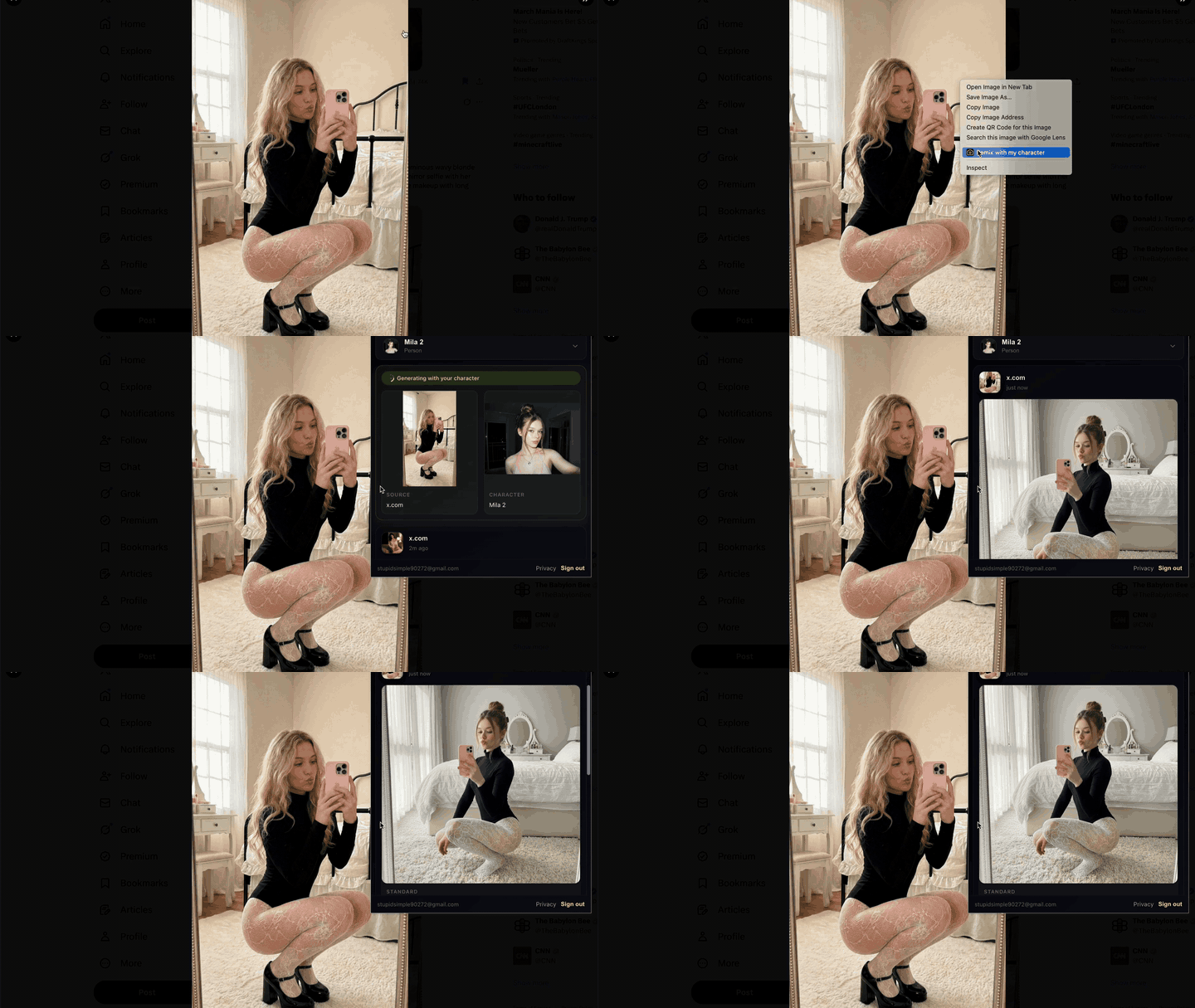
Recreate an instagram account in minutes
Use the Chrome extension to remix reference images from an existing feed into new character-safe posts.
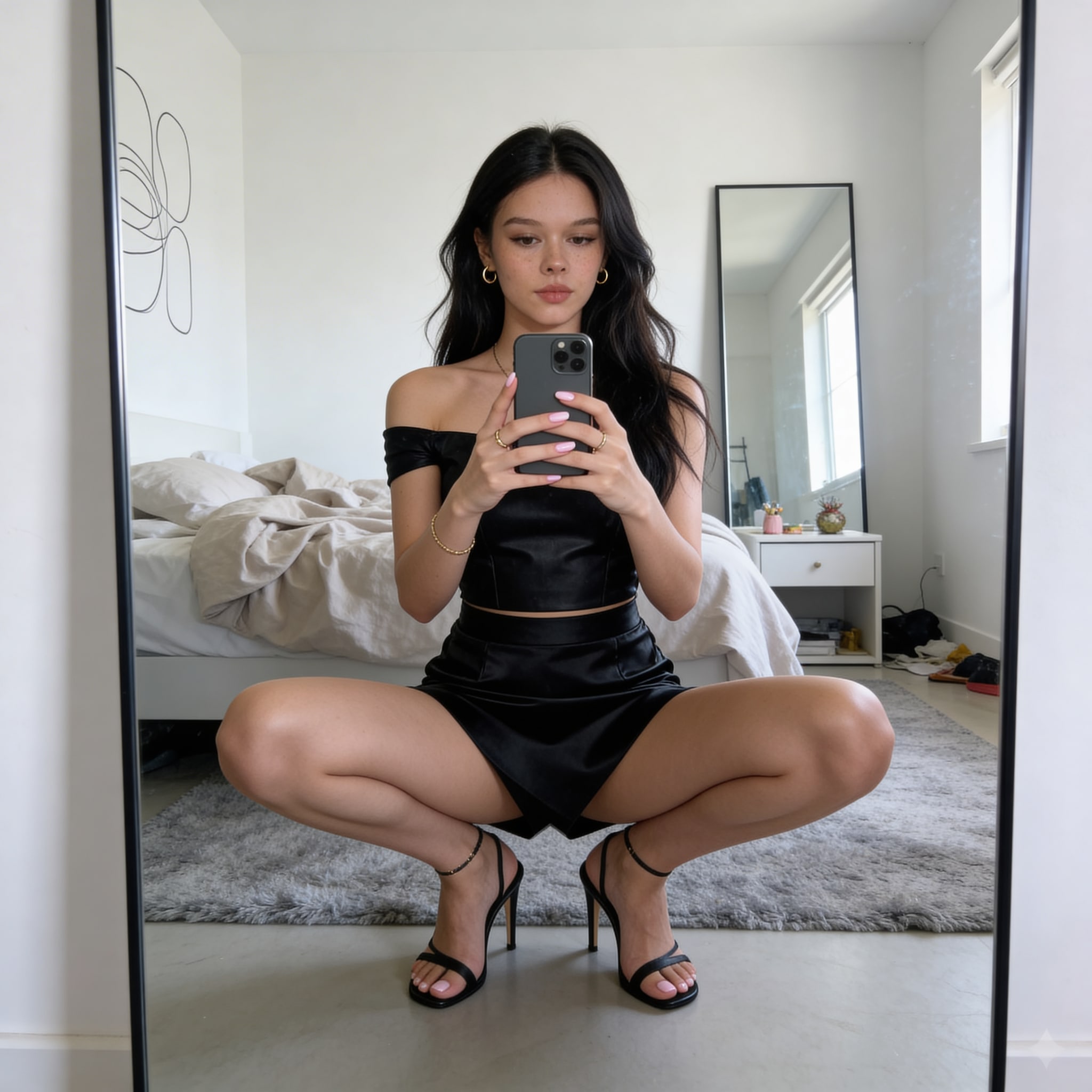
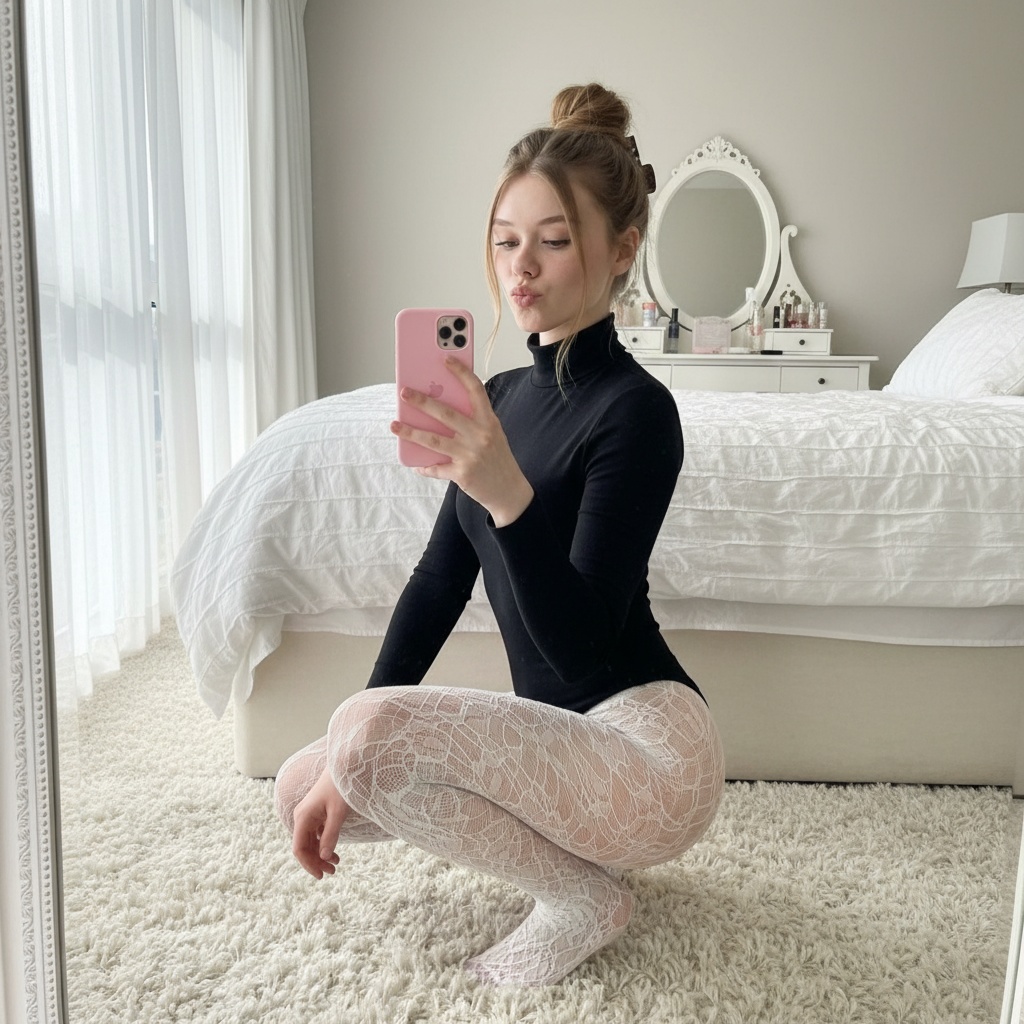
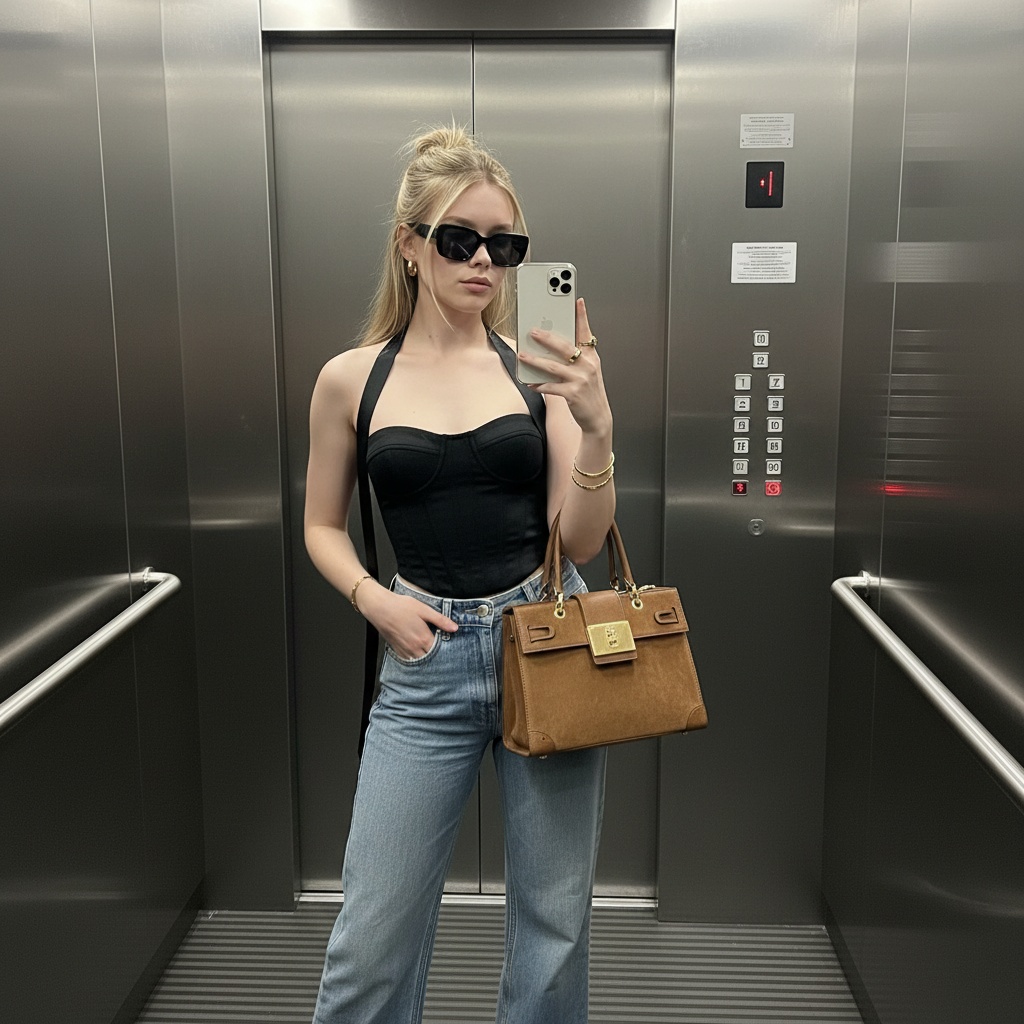
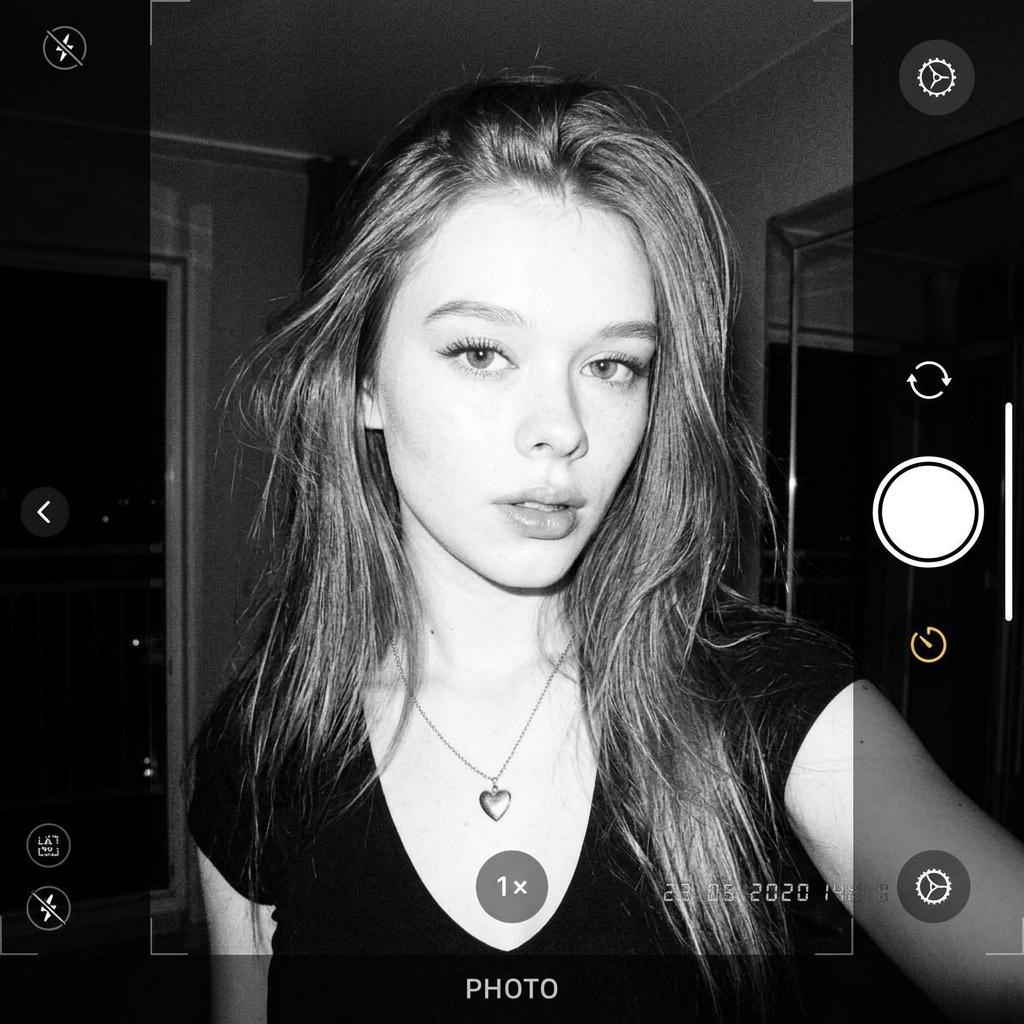
AI influencer selfie prompts
Use this when you need selfie, mirror, car, elevator, and phone-shot prompt ideas.
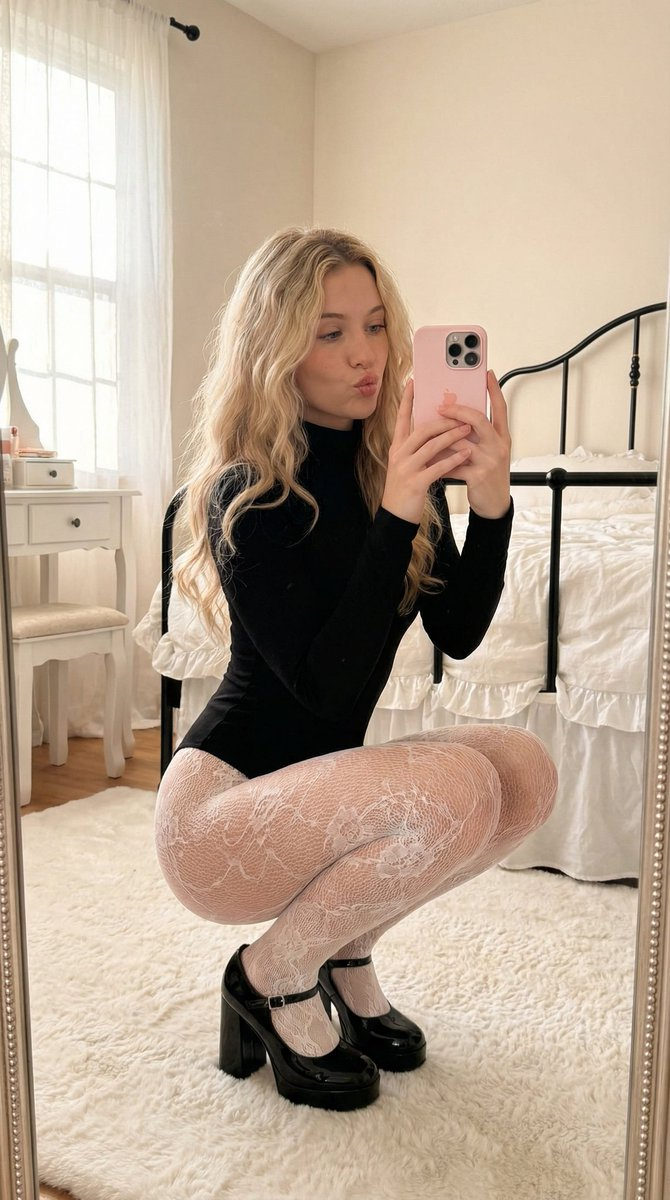
AI girl Instagram prompt set
Use this for cafe, dinner, nightlife, and lifestyle content pillars.
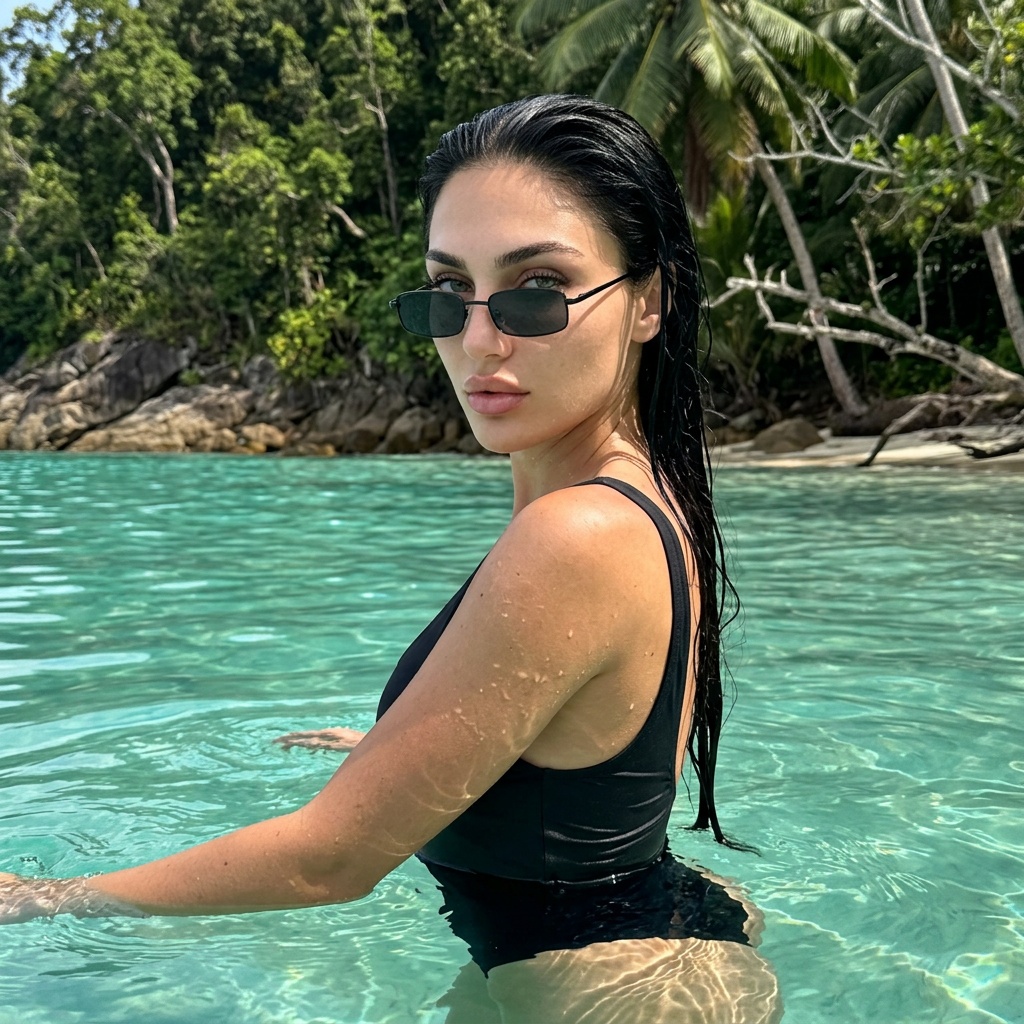
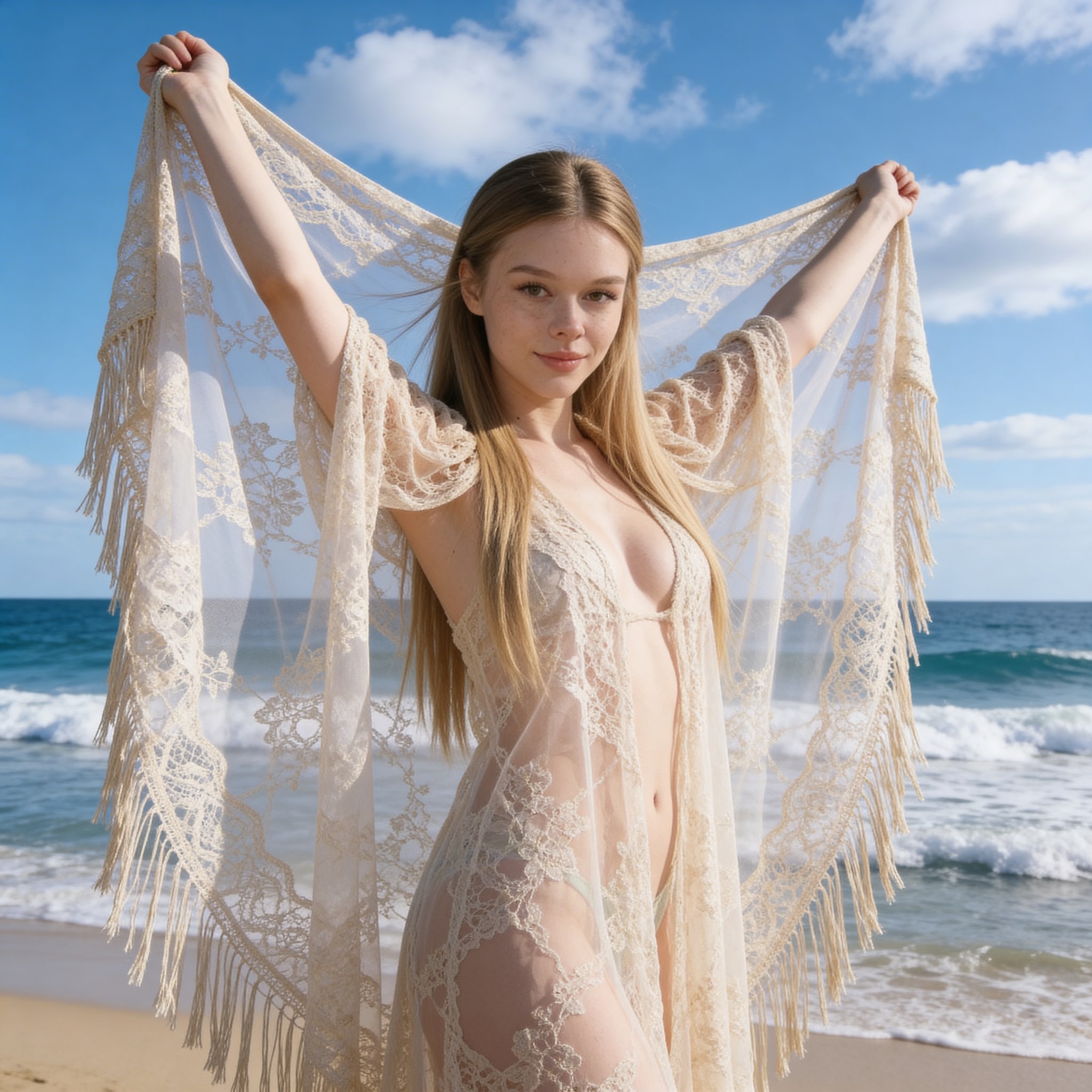
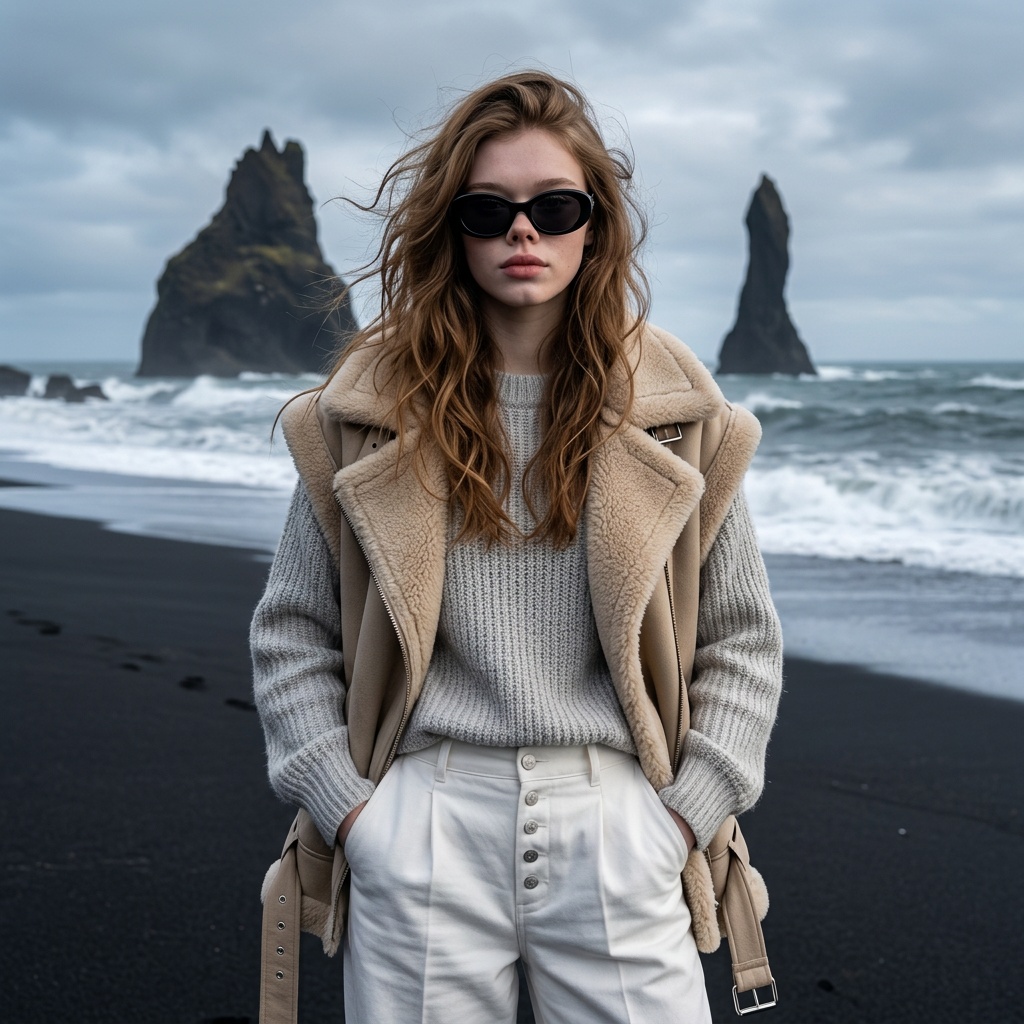
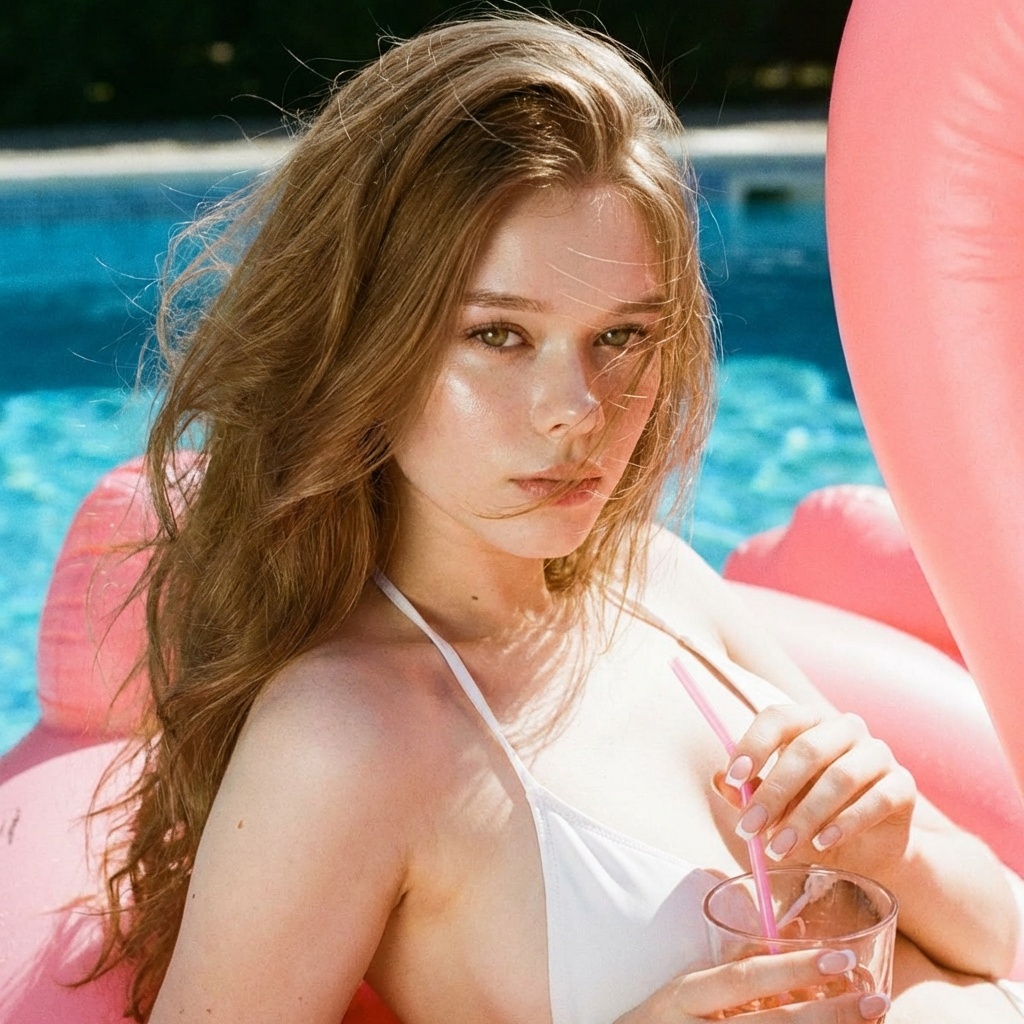
Travel and lifestyle prompts
Use this to add beaches, rooftops, city streets, pools, and vacation posts to the feed.
Starter packs for an AI influencer feed
If you want a faster path than browsing the full library, start with a small mix of selfie, outfit, travel, and lifestyle packs. These direct pack links give the account a repeatable base layer.
Candid mirror selfie prompt pack
A simple mirror-selfie anchor for making an AI influencer account feel active and personal.
Try the mirror selfie packElevator selfie prompt pack
A polished phone-shot scene that works as a repeatable feed post between bigger shoots.
Try the elevator selfie pack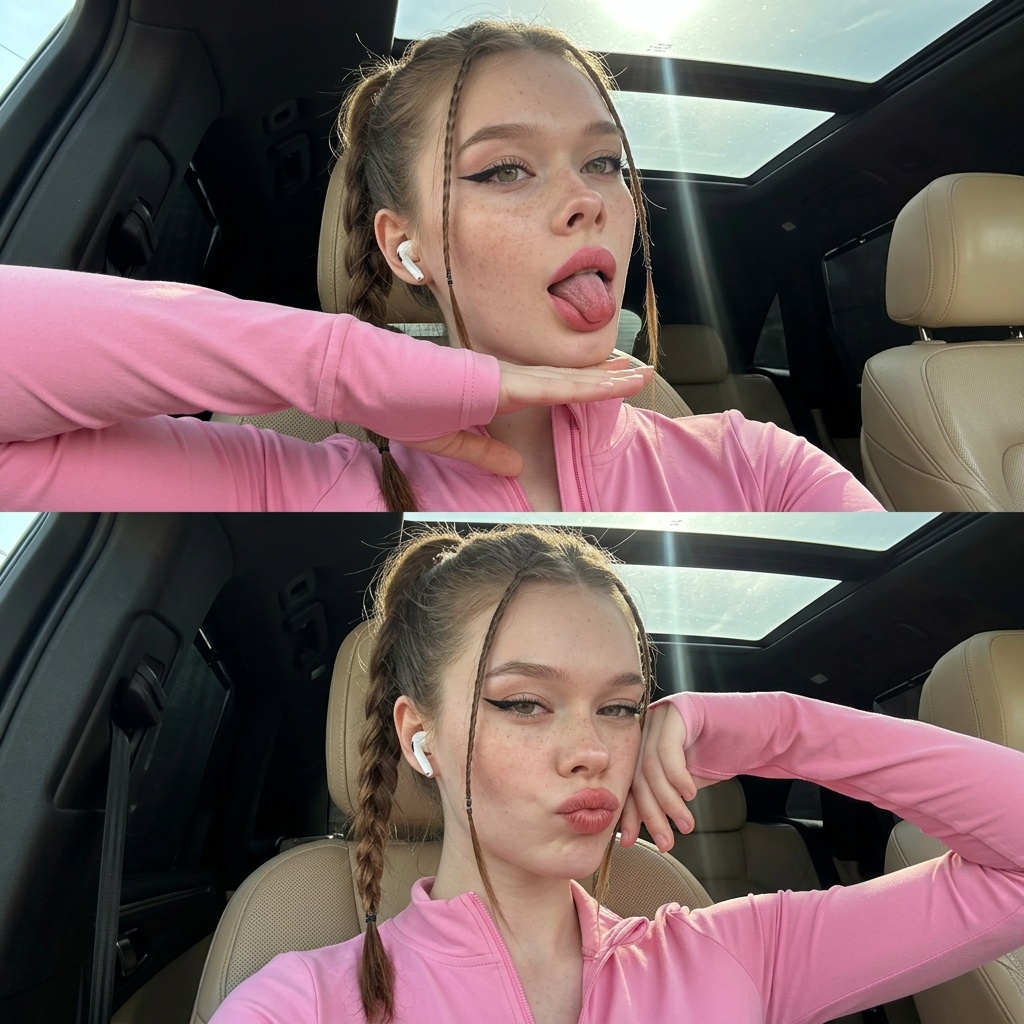
Car selfie prompt pack
A casual travel-adjacent shot for adding variety without changing the character identity.
Try the car selfie pack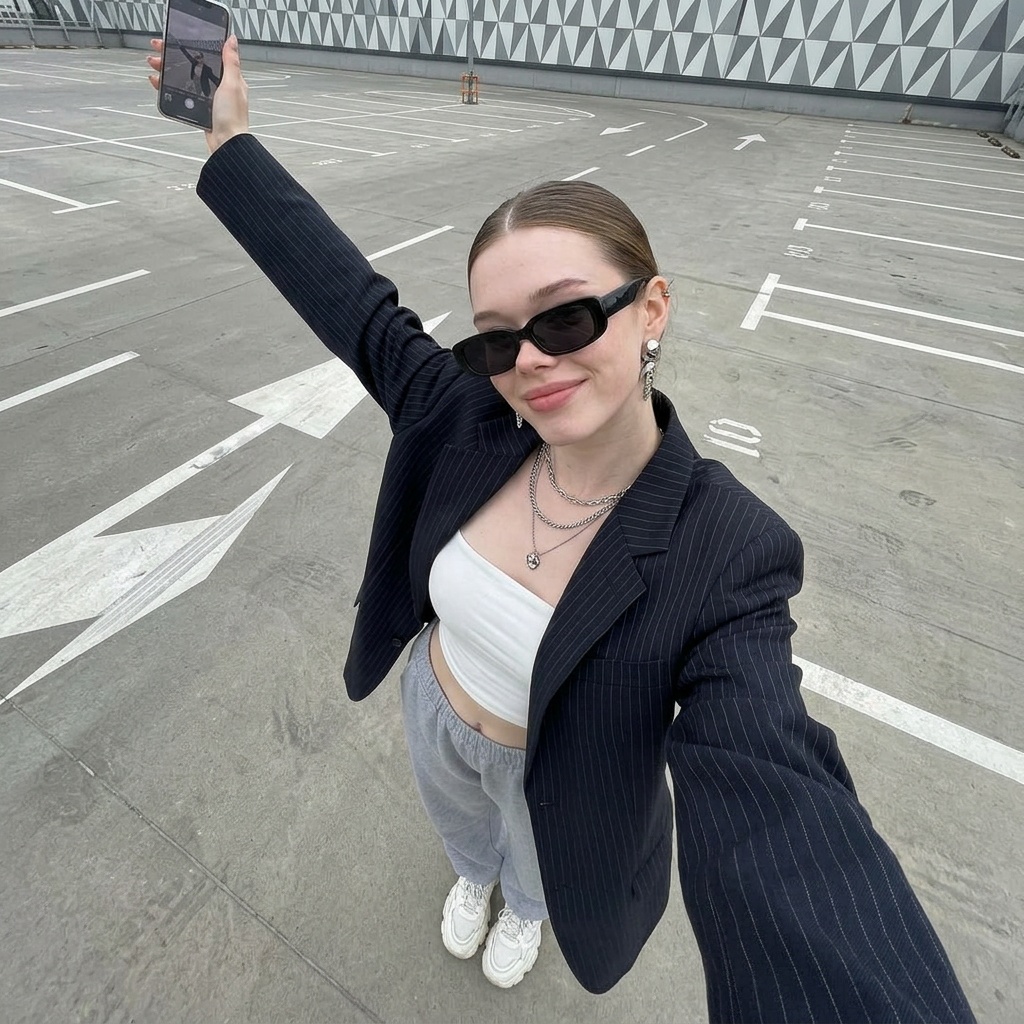
Urban parking-lot selfie prompt pack
A wider social-feed frame when the account needs location context, outfit, and pose in one image.
Try the urban selfie pack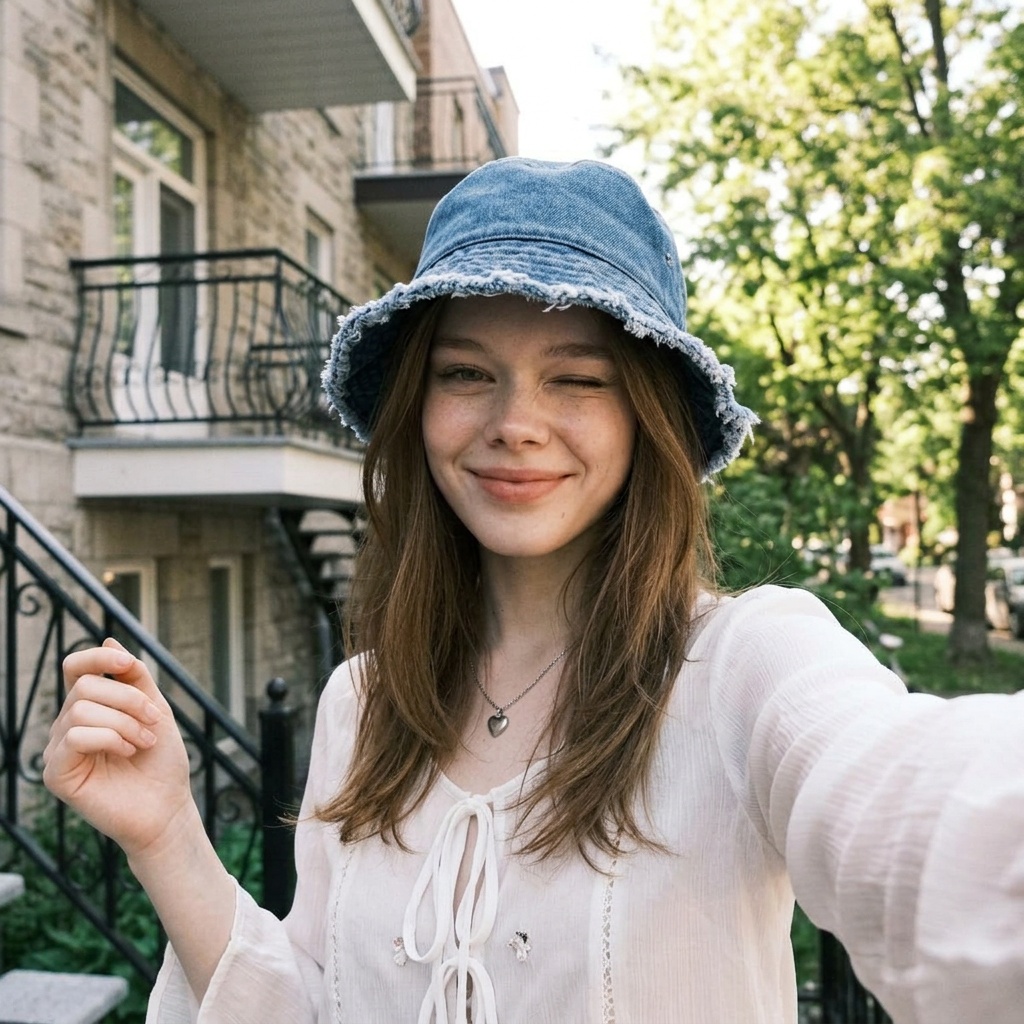
Travel lifestyle prompt pack
A vacation-style post that helps an influencer feed move beyond bedroom and mirror content.
Try the travel selfie pack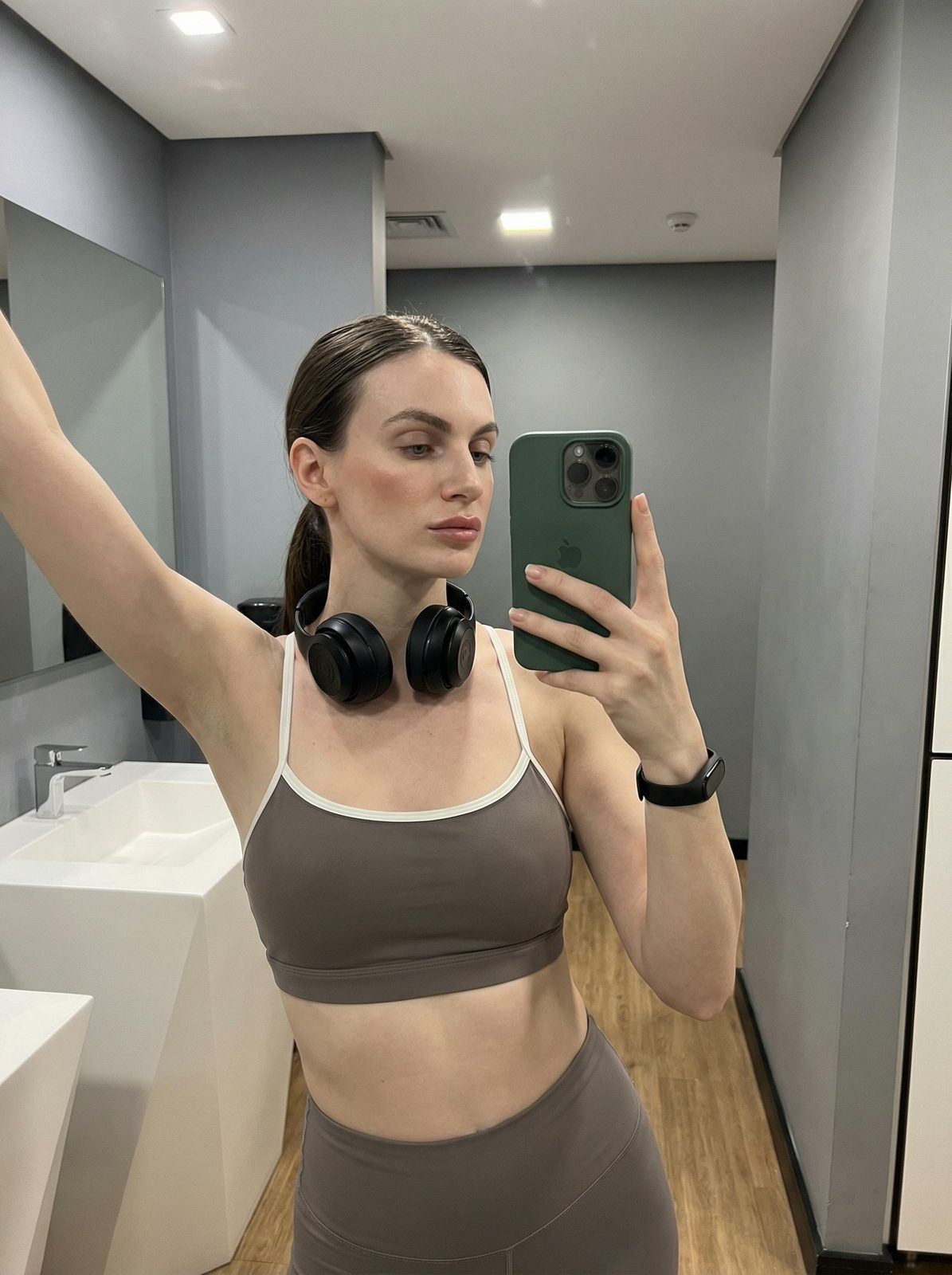
Dressing-room fit check prompt pack
A practical fit-check frame for outfit posts, daily updates, and casual creator content.
Try the fit-check packCommon mistakes to avoid
Most weak AI influencer accounts fail because the character identity or publishing system is too loose. Keep the account boringly consistent behind the scenes so the feed can look varied on the surface.
- Generating every post from scratch instead of training one reusable character model.
- Letting one viral style take over the whole feed until the account looks repetitive.
- Posting every acceptable image instead of keeping a quality bar for identity and realism.
- Mixing safe Instagram posts and adult monetization content without a clear platform boundary.
- Skipping prompt links, pack links, or source notes, which makes winning looks hard to reproduce.
Start building
Train the character, then build the feed
Use Remix Camera to train the character model, then use Explore as the prompt library for repeatable influencer scenes.
Guide collections
More AI creator and prompt guides
Use these next when you want the supporting prompt libraries, social feed examples, and creator monetization guides.