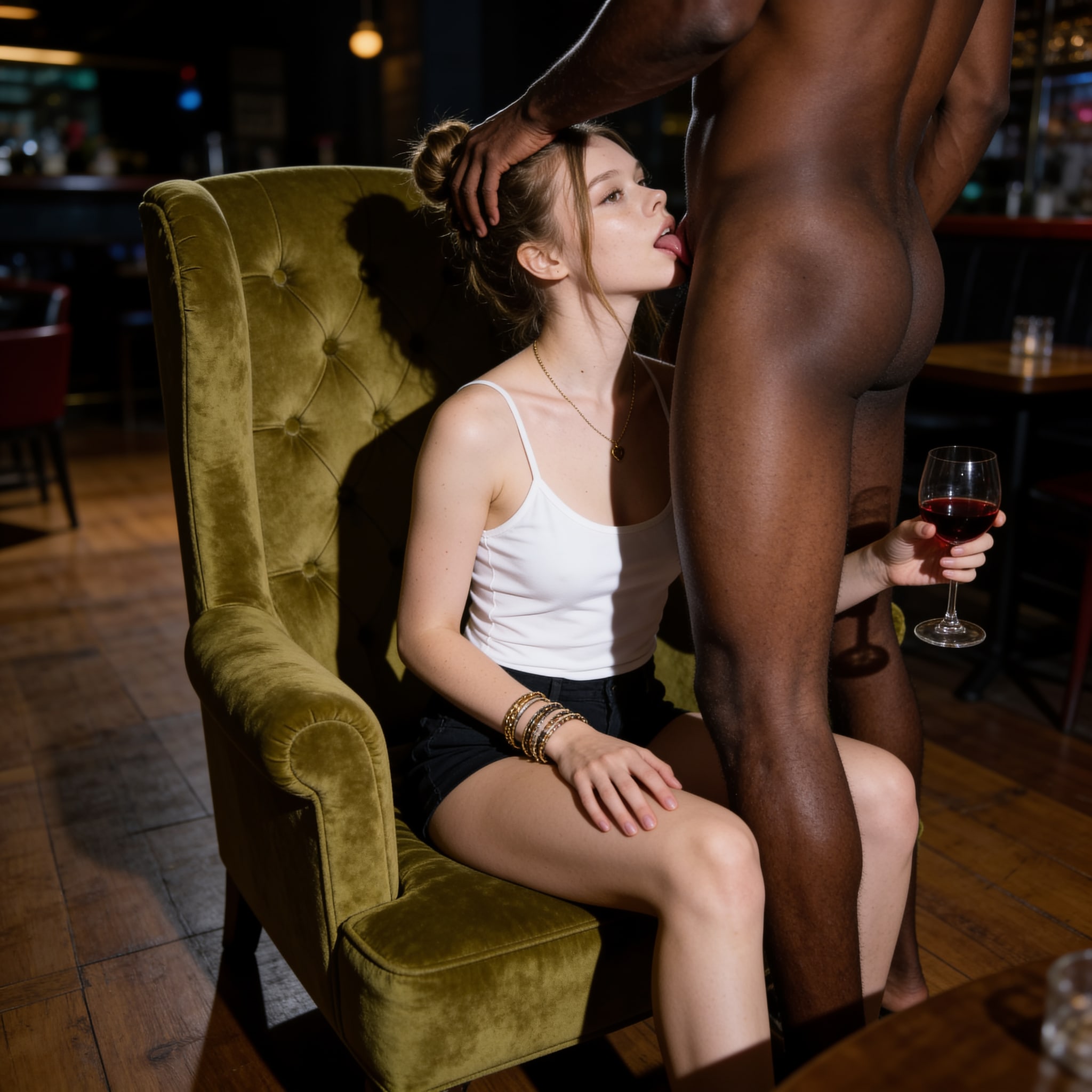
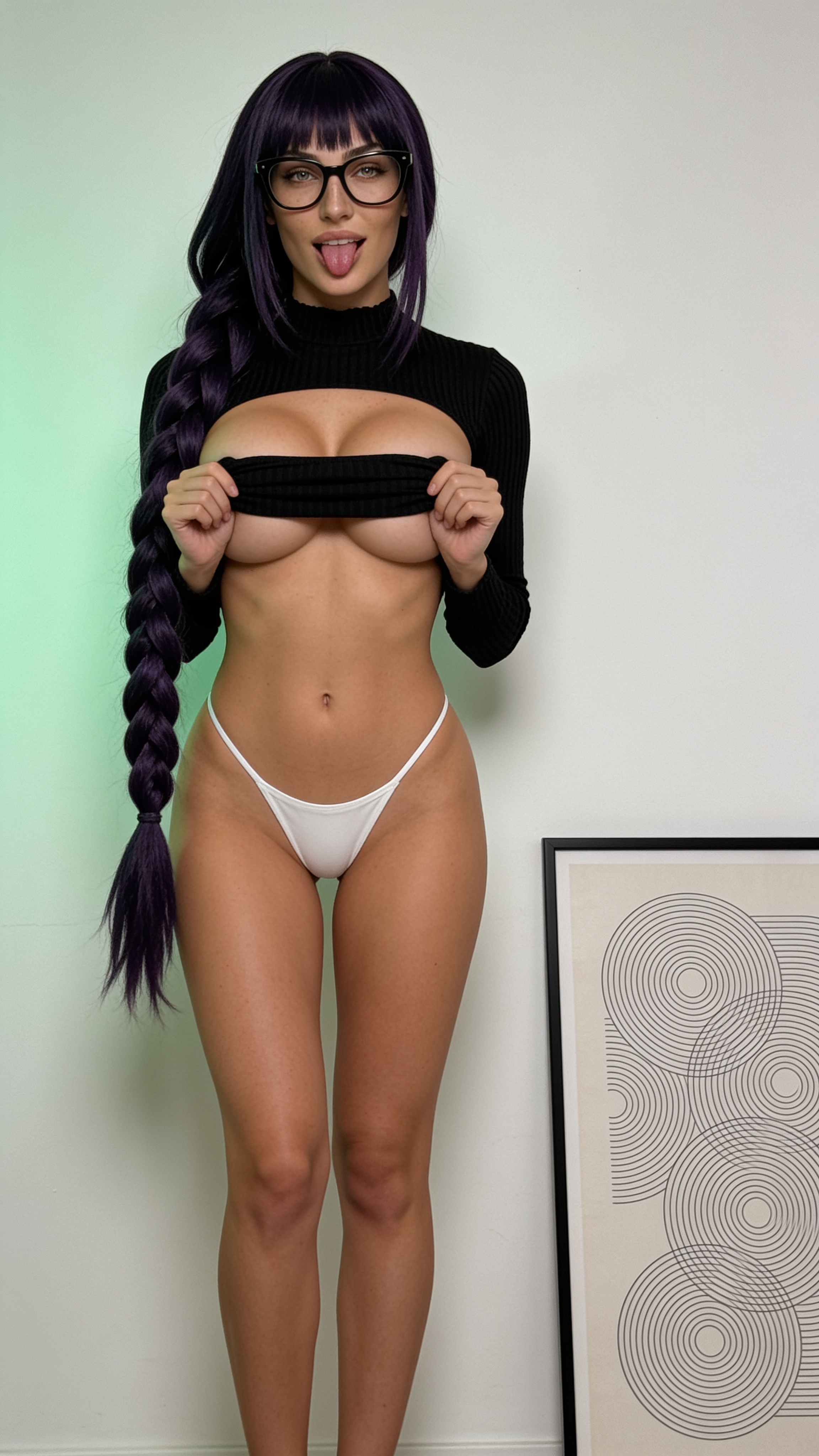
AI adult video template · 18+

Create NSFW videos of your character with 2-step templates.

First rebuild the adult template's starting scene with the selected character. Then animate that exact personalized frame with WAN Spicy Video. The start frame is part of the template—not merely an upload box.

18+ only. The examples and exact prompts contain explicit adult content. Media remains blurred until a signed-in user confirms age.
Lily SFW reference photo

Input / Lily

Start with the character.

Step 01 / Create Start Frame
Uncensored

Output / Start frame

Same character, new scene.

Step 02 / Add Motion
Uncensored

Output / Motion

Then bring the frame to life.

01 — Why it works

Create the start frame before you generate motion.

Direct image-to-video works when the starting photo already has the right character, pose, partners, and framing. A reusable adult template usually begins with somebody else's scene. Asking one video prompt to replace identity and perform motion at the same time makes drift more likely.

The two-step version makes the start frame inspectable. If identity, anatomy, clothing state, or contact points are wrong, the workflow can stop before spending the video step.

02 — Template outputs

Four approved workflows

Each result includes its exact start-frame ID, video ID, prompt pair, model sequence, and asset hash.

01 / Character-matched scene rebuild

Shower tease

First rebuild the shower composition around the selected character. Then animate that exact personalized frame instead of asking the video model to solve identity, scene, and motion at once.

seedream-v4.5-editwan-v2.2-a14b-i2v-turbo · 960 × 960 · 5s · est. 11 credits

Open template pack
Step 01 / Reference frame
Uncensored

01 · Create Start Frame

Create Start Frame

Prompt

Sign in and confirm you are 18+ to view this prompt.

Step 02 / Final render
Uncensored

02 · Add Motion

Add Motion

Prompt

Sign in and confirm you are 18+ to view this prompt.
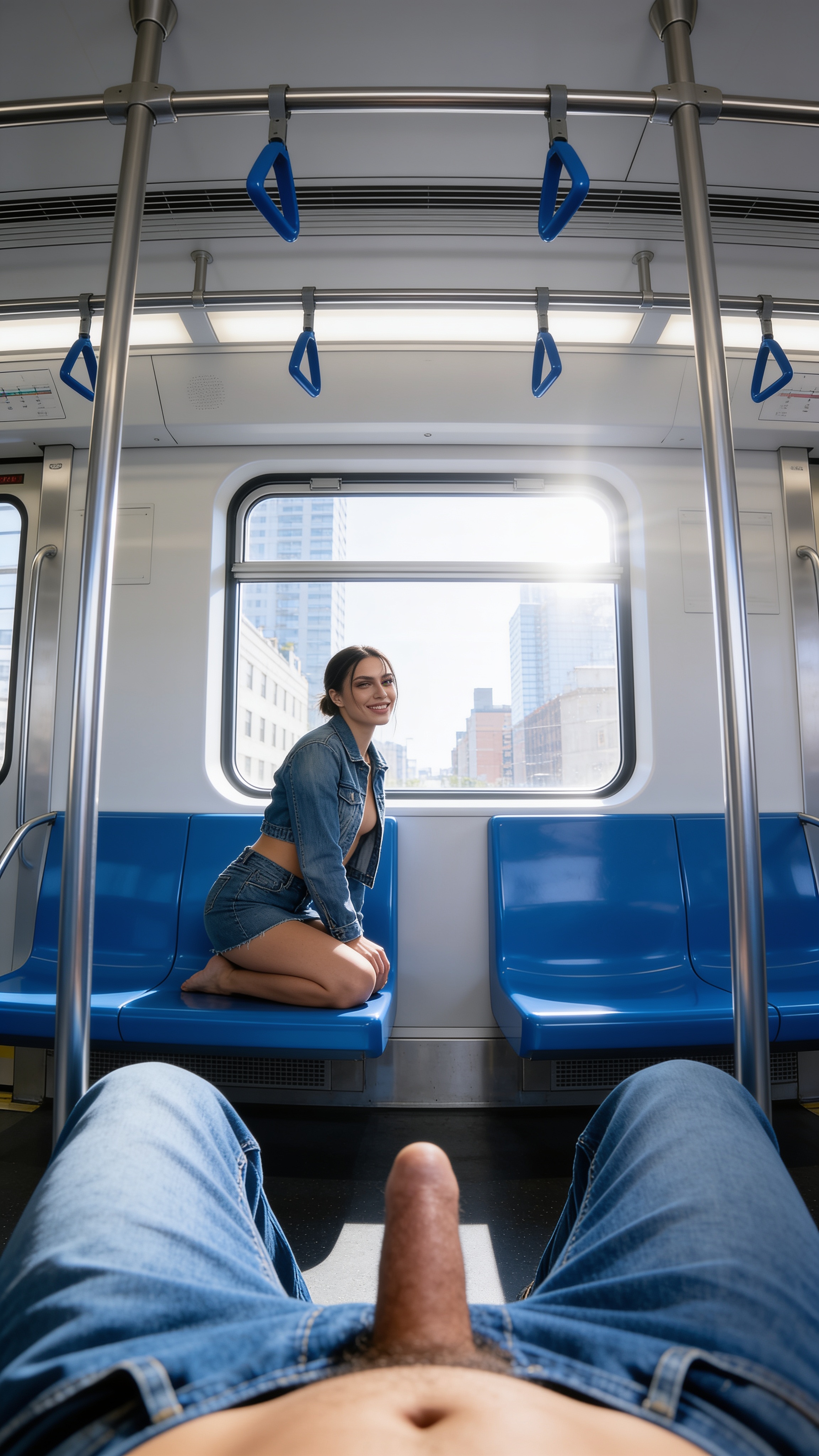
02 / Mannequin scene → character swap

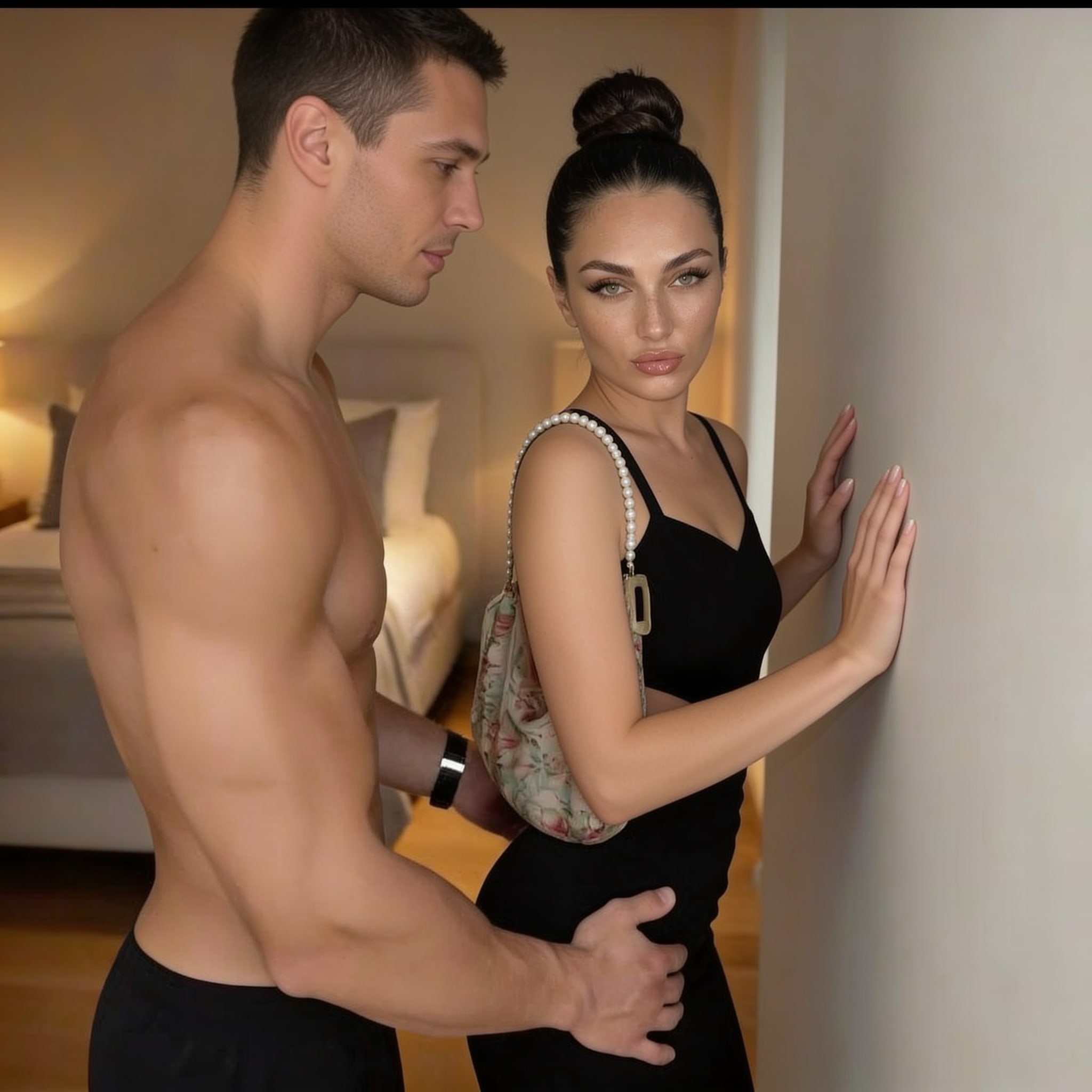
Wall tease

Use the approved identity-neutral scene to lock the couple pose and contact points, replace the mannequin with the selected character, and animate only after the start frame passes review.

seedream-v4.5-editwan-v2.2-a14b-i2v-turbo · 960 × 960 · 5s · est. 11 credits

Open template pack
Step 01 / Reference frame
Uncensored

01 · Create Start Frame

Create Start Frame

Prompt

Sign in and confirm you are 18+ to view this prompt.
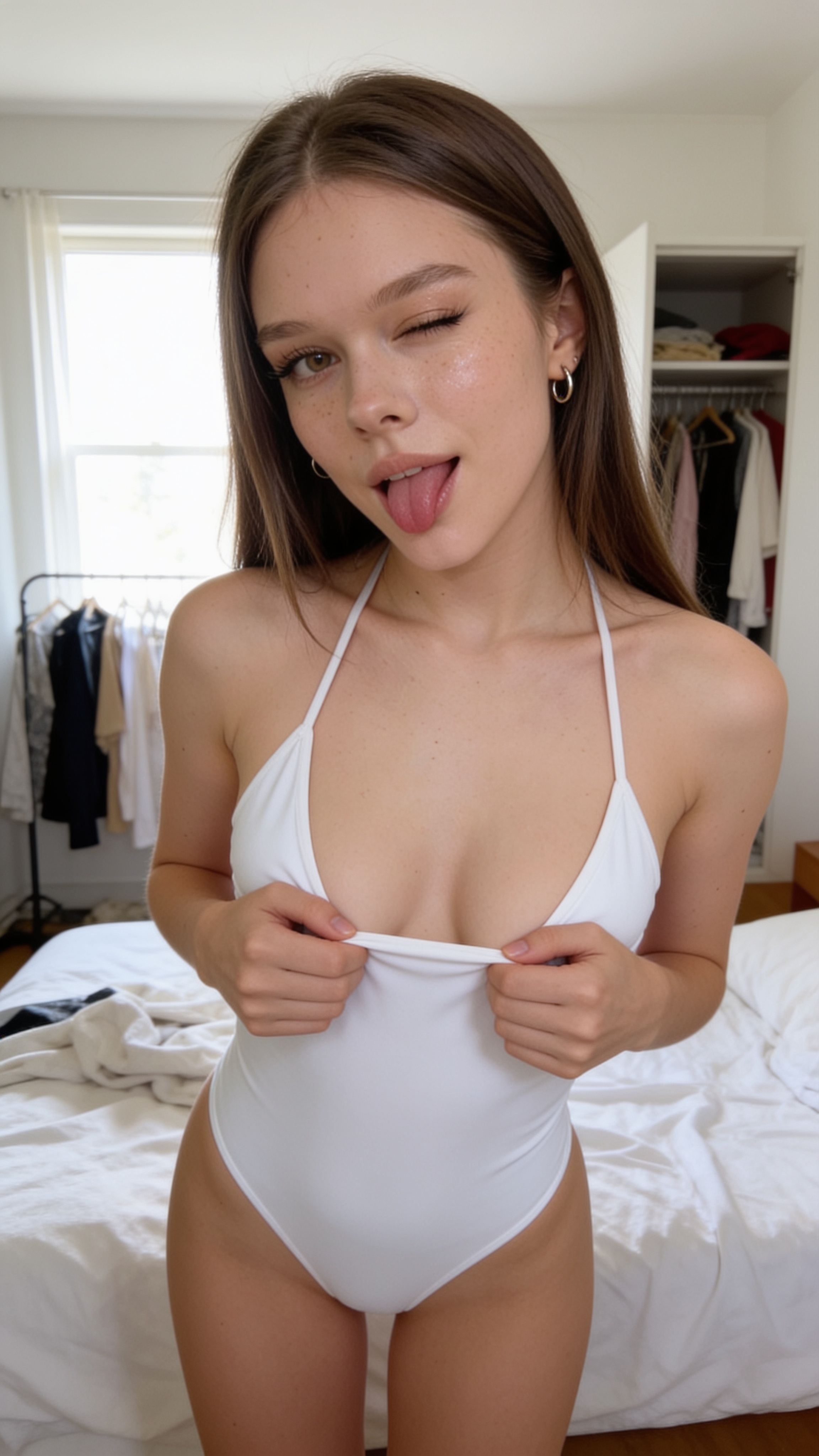
Step 02 / Final render
Uncensored

02 · Add Motion

Add Motion

Prompt

Sign in and confirm you are 18+ to view this prompt.
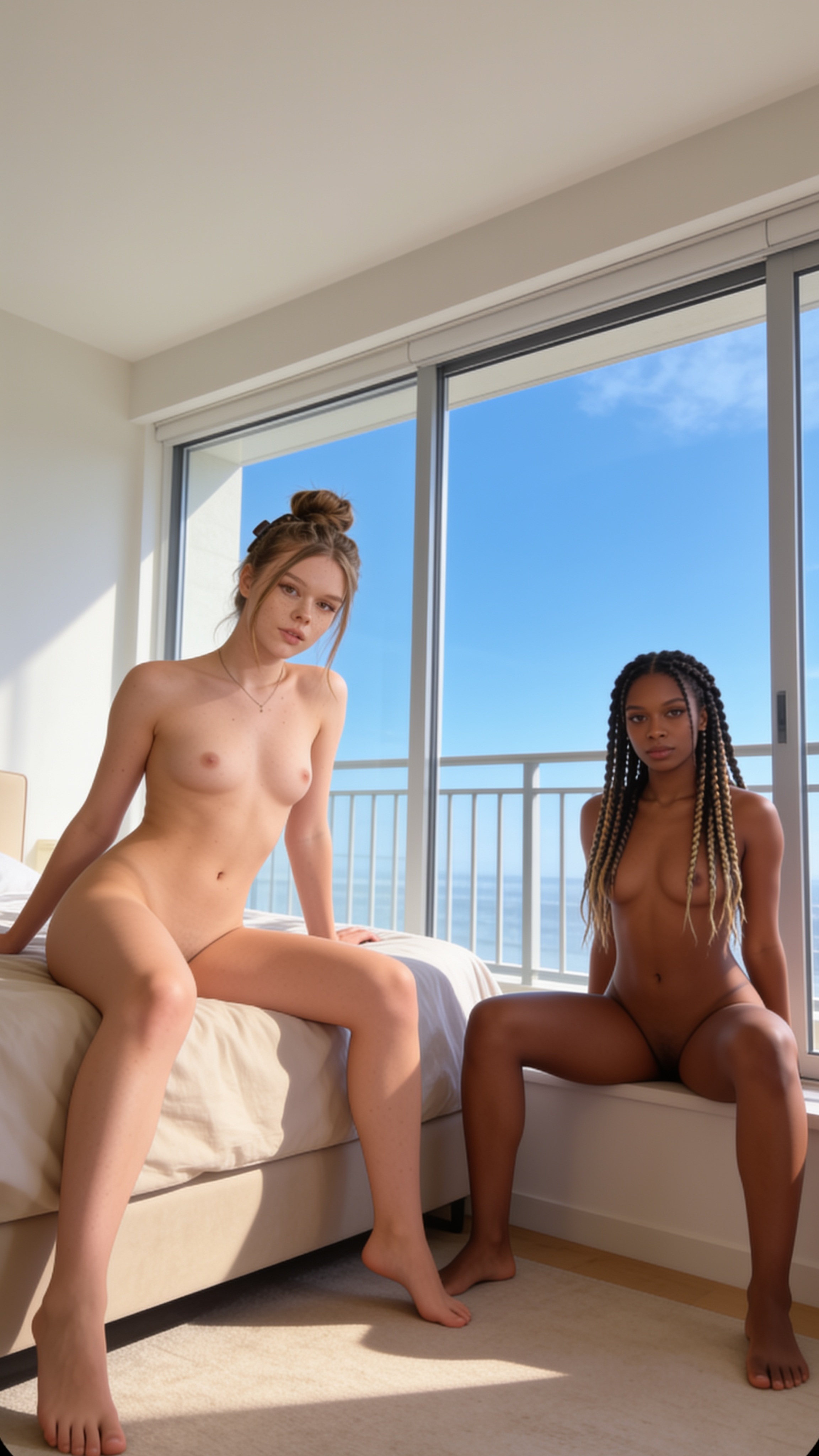
03 / Dual mannequin → V5 Pro character swap

Turn, bend over, and thrust

Freeze both source identities into separate mannequin roles, rebuild the woman from the selected character reference while creating a generic partner, then animate the approved geometry at the exact reviewed 1080p settings.

Seedream V5 Prowan-v2.2-a14b-i2v-turbo · 1440 × 1440 · 15s · est. 47 credits

Open template pack
Step 01 / Reference frame
Uncensored

01 · Create Start Frame

Create Start Frame

Prompt

Sign in and confirm you are 18+ to view this prompt.
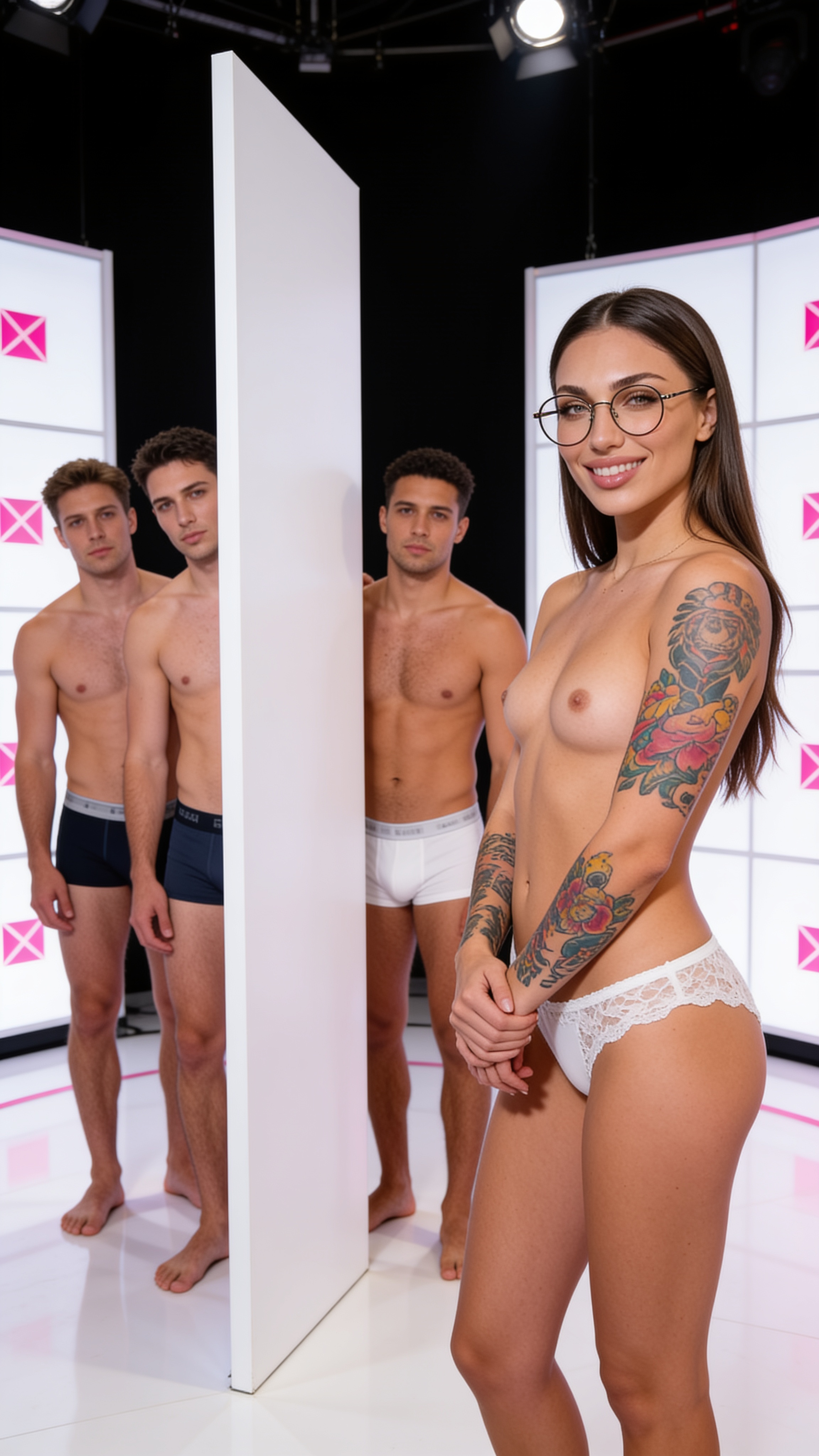
Step 02 / Final render
Uncensored

02 · Add Motion

Add Motion

Prompt

Sign in and confirm you are 18+ to view this prompt.

04 / Dual mannequin → V5 Pro character swap

Twist and tip play

Lock the point-of-view composition and both subject roles with a dual mannequin, reconstruct the selected character and a generic partner, then run the approved five-second Wan 2.7 motion-and-audio prompt.

Seedream V5 Prowan-v2.2-a14b-i2v-turbo · 960 × 960 · 5s · est. 12 credits

Open template pack
Step 01 / Reference frame
Uncensored

01 · Create Start Frame

Create Start Frame

Prompt

Sign in and confirm you are 18+ to view this prompt.
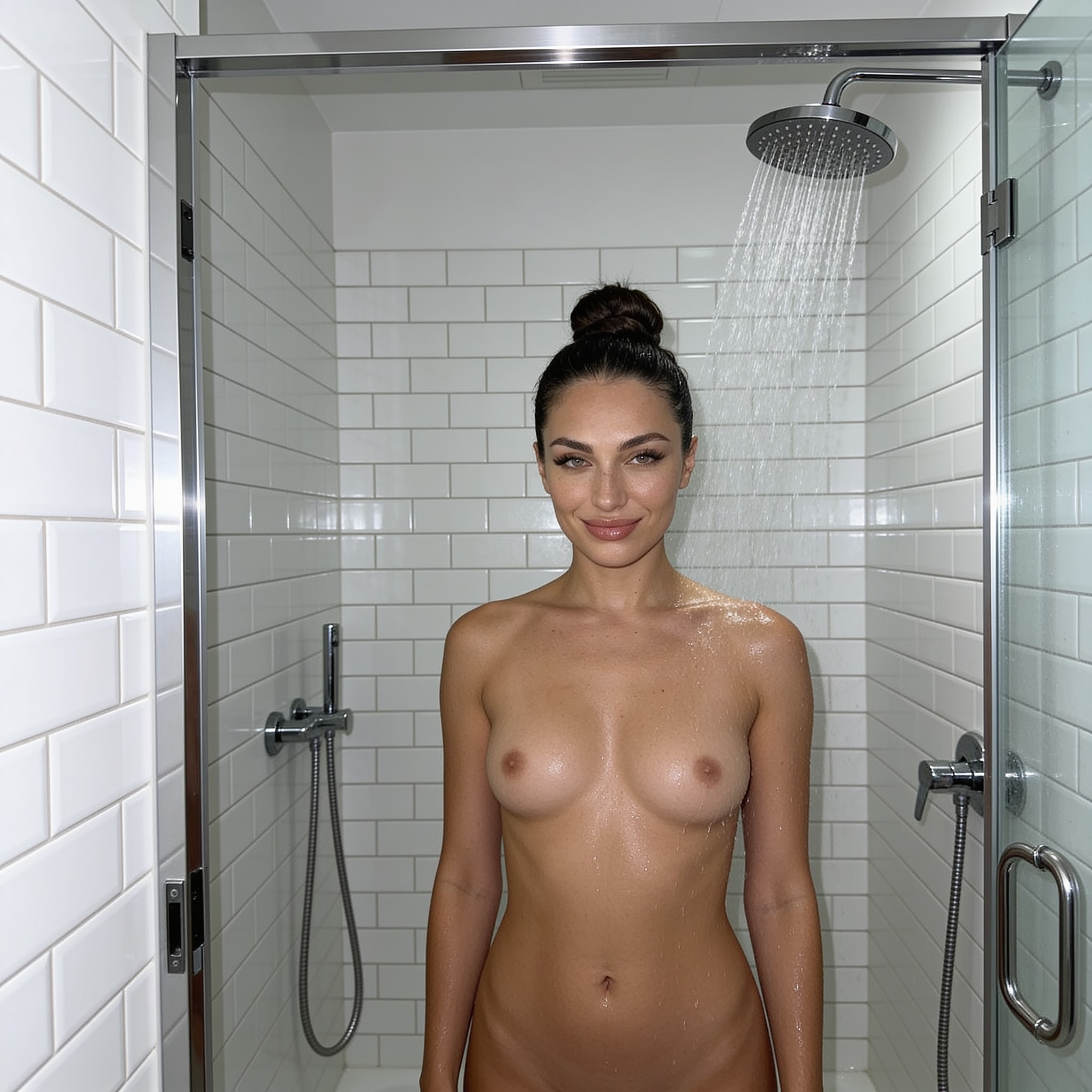
Step 02 / Final render
Uncensored

02 · Add Motion

Add Motion

Prompt

Sign in and confirm you are 18+ to view this prompt.
Public tool available now

Animate your own start image

The exact two-step templates above are presented as age-gated workflow pages. WAN Spicy Video is already available for animating a start image you provide.

Try WAN Spicy Video