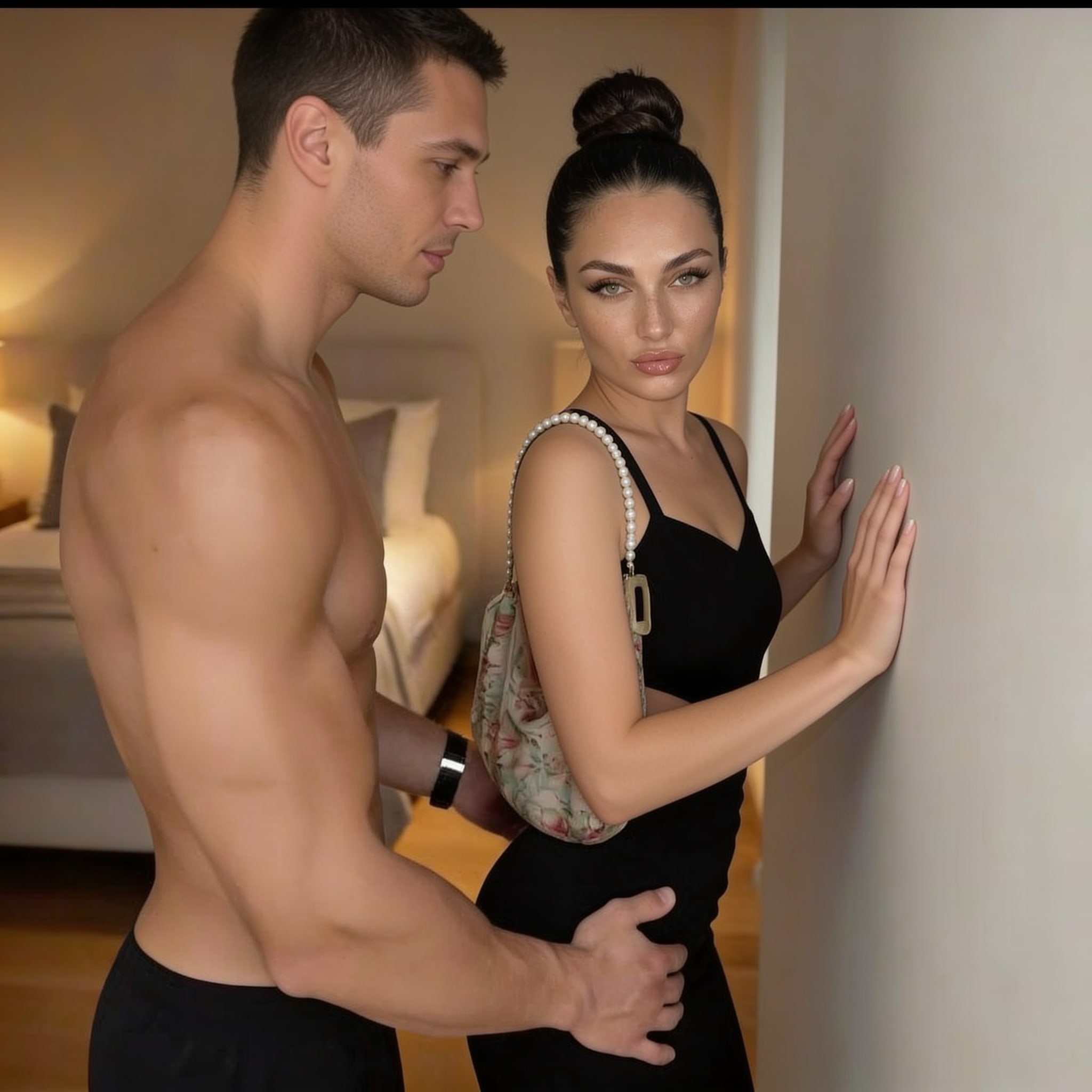
Step 1
Create Start Frame
Build the character-matched still used by the motion model.
- Engine
- seedream-v4.5-edit
H3 Spicy Image to Video · 5s · estimated 9 credits
18+ · Sign-in and age confirmation required

Create the start frame
Rebuild the template scene with your selected character.
Add motion
We automatically animate that exact frame with the template's motion prompt.
Step 1
Build the character-matched still used by the motion model.
Step 2
Animate the approved still while preserving identity and composition.